Components
Explore the building blocks of your next interface. Pick a component to discover its live examples, variants and API.
129 component families
129 of 129 families
Actions
7 families- Actions with consistent tone, appearance and interaction states.
Button
- Related formatting actions in a compact editor toolbar.
ButtonGroup
- Publish now or choose an alternative deployment action.
SplitButton
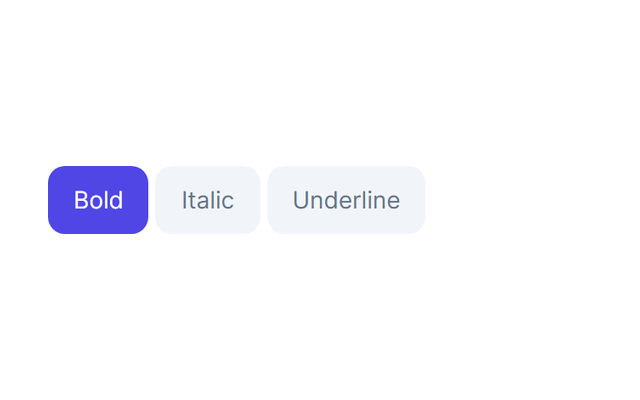
- A formatting option with an observable pressed state.
Toggle
- Choose several formatting options in one group.
ToggleGroup
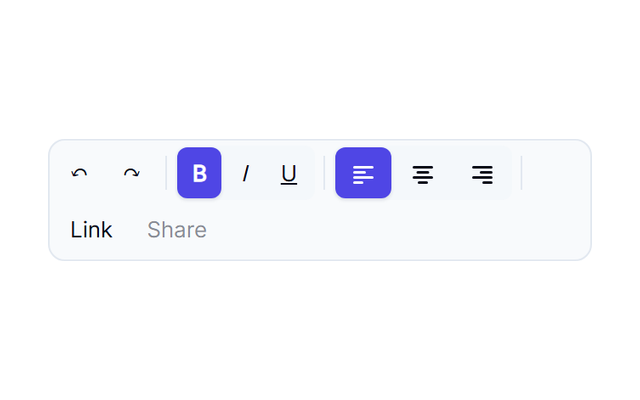
- An editor toolbar with formatting and alignment commands.
Toolbar
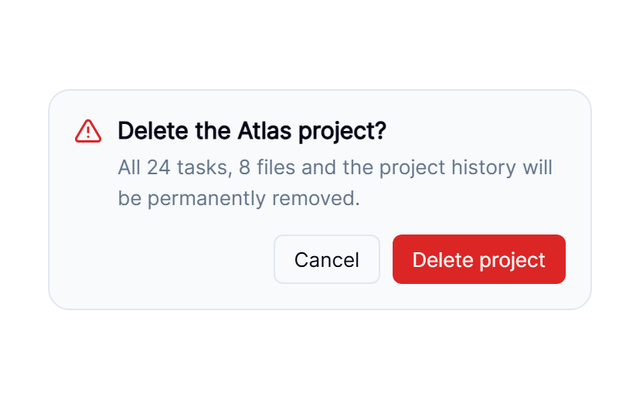
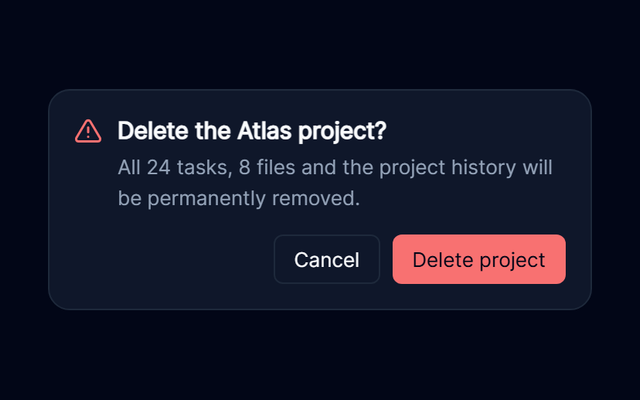
- Confirm a destructive action beside its trigger.
Popconfirm
Navigation
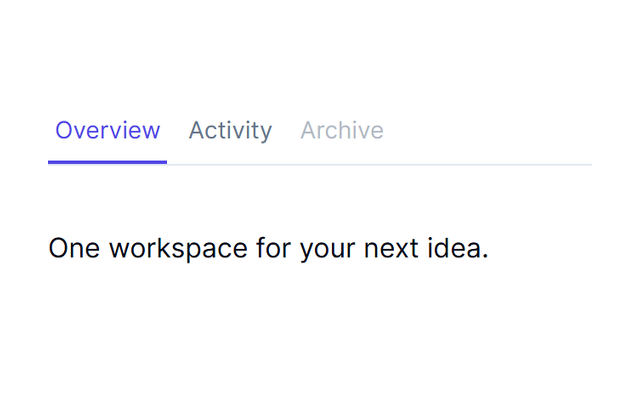
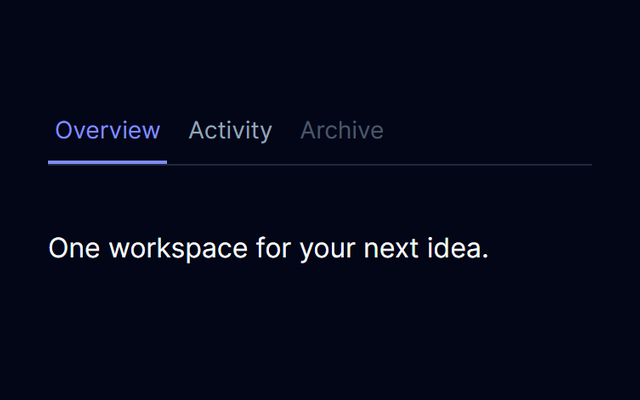
10 families- Related views with matching triggers and panels.
Tabs
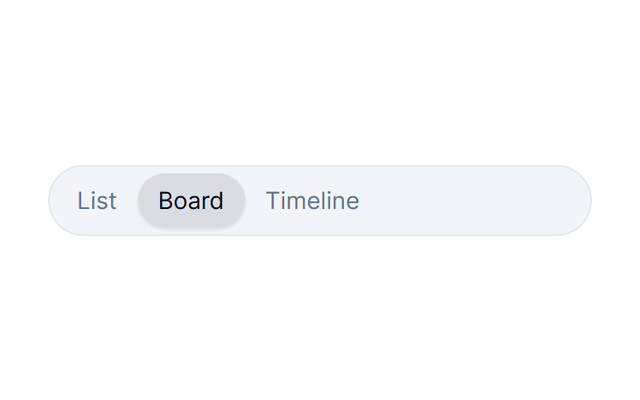
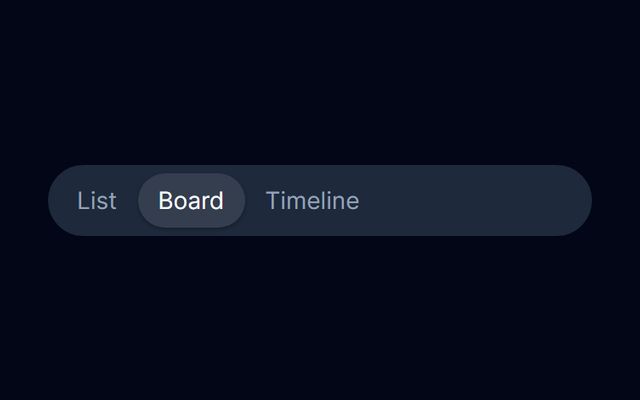
- Switch between a few mutually exclusive views.
SegmentedControl
- Navigation links with consistent tone and emphasis.
Link
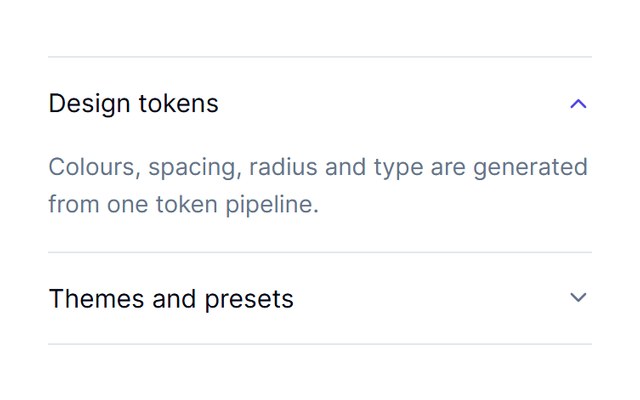
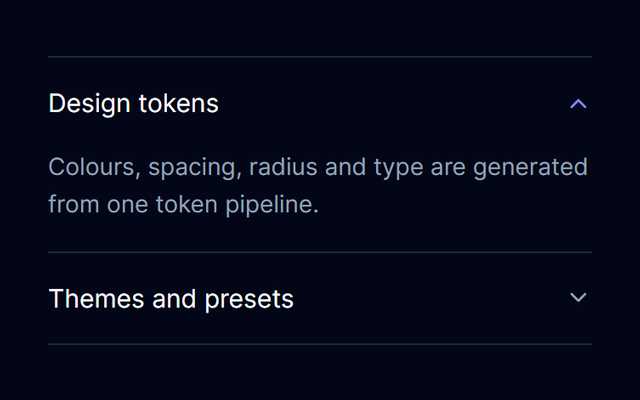
- Application-controlled disclosure of related content.
Accordion
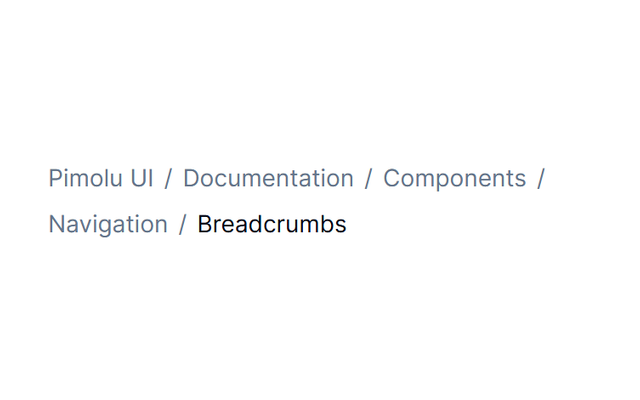
- A path through nested application information.
Breadcrumbs
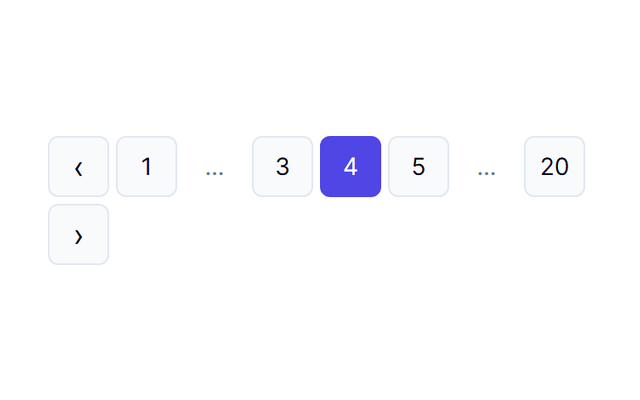
- Move through pages while the application owns the data.
Pagination
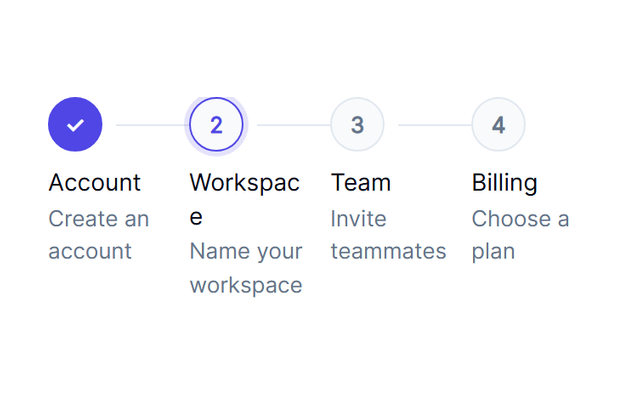
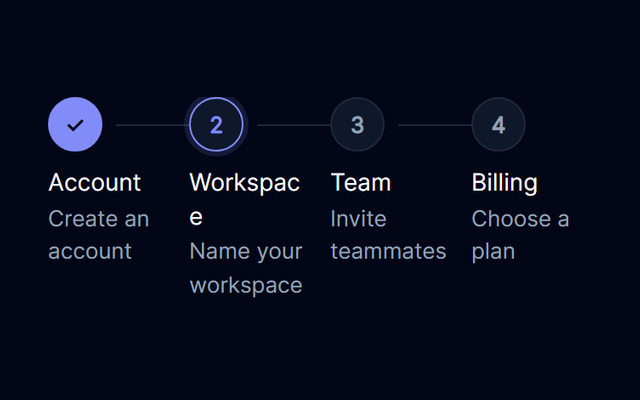
- A controlled onboarding sequence with back and next actions.
Stepper
- Grouped destinations for a product navigation bar.
NavigationMenu
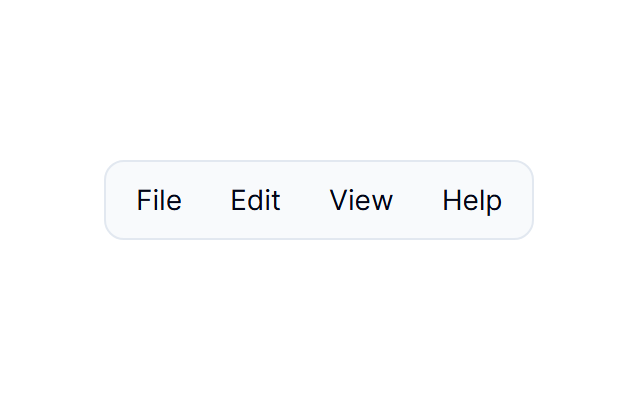
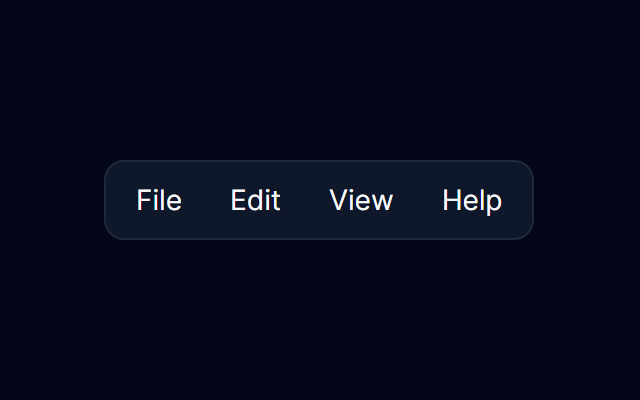
- Desktop-style application commands with local feedback.
Menubar
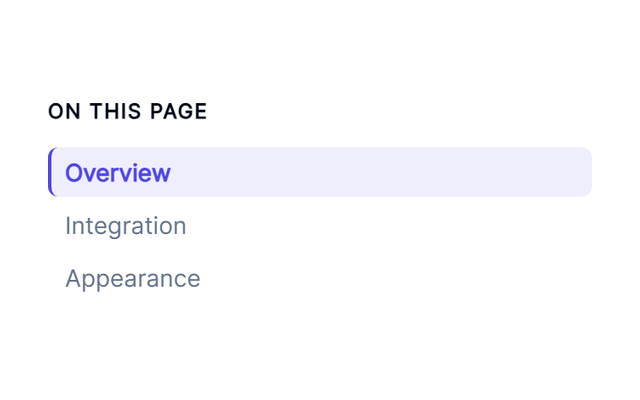
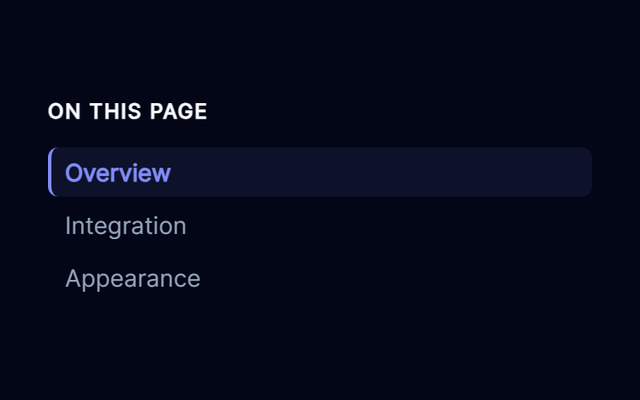
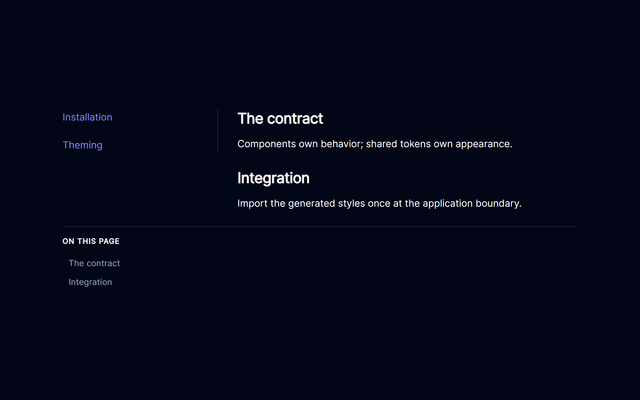
- A controlled outline of a long document.
TableOfContents


Forms
34 families- Select individual records or the whole set.
Checkbox
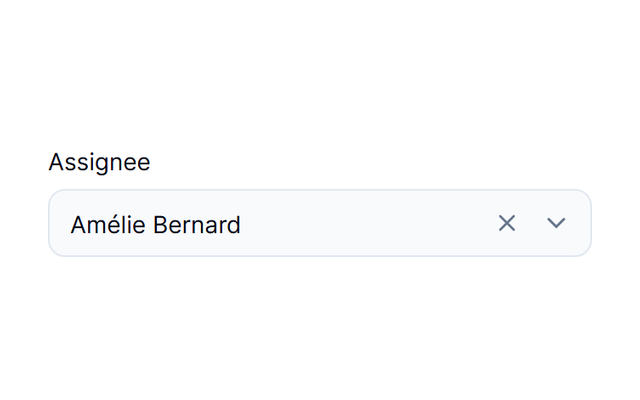
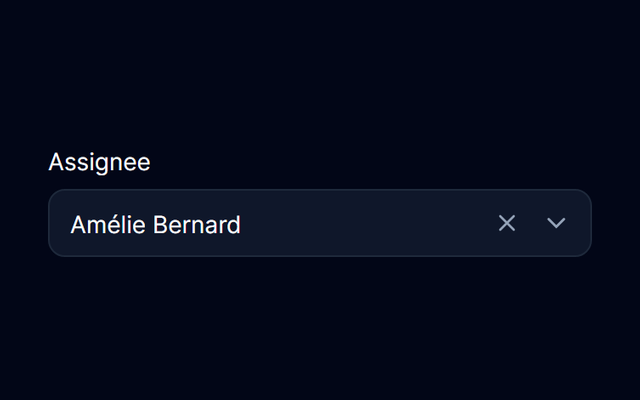
- Search and choose an assignee from named options.
Combobox
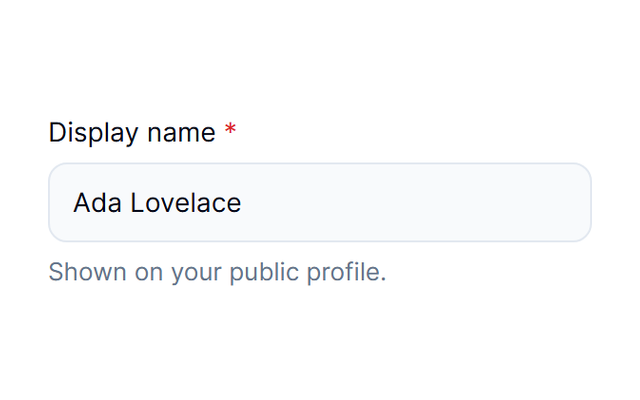
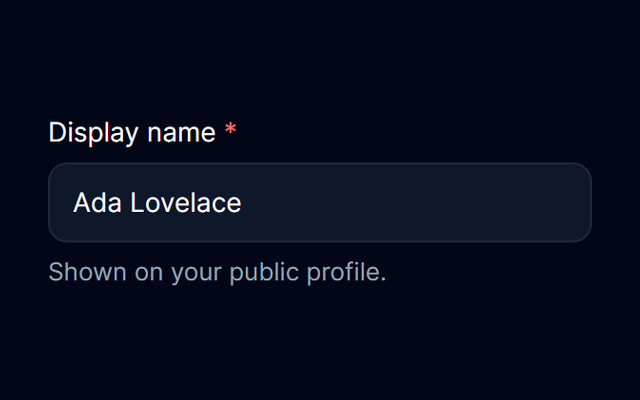
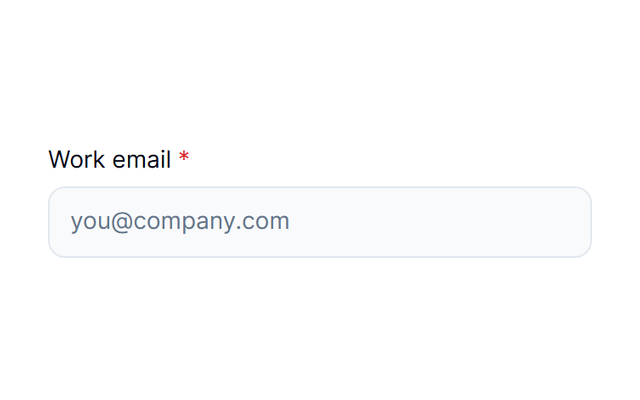
- Label and feedback compositions for profile fields.
FormField
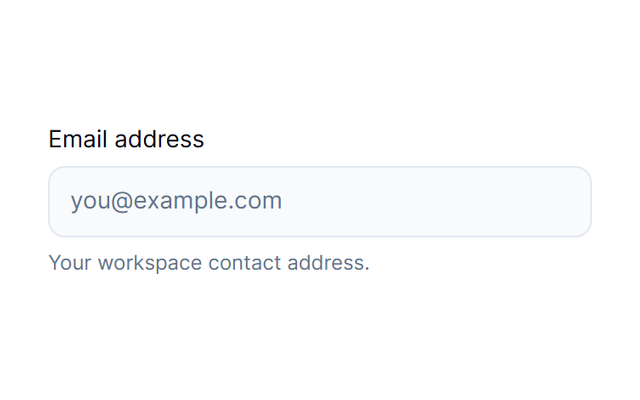
- A native input with labels, feedback, clear actions and visual variants.
Input
- Visible field labels in a sign-in composition.
Label
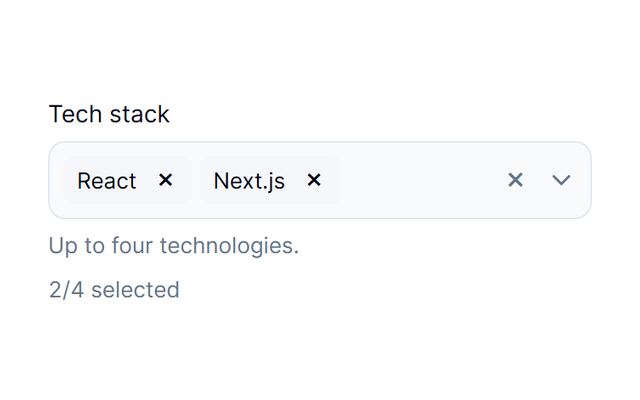
- Choose a technology stack with an application-owned limit.
MultiSelect
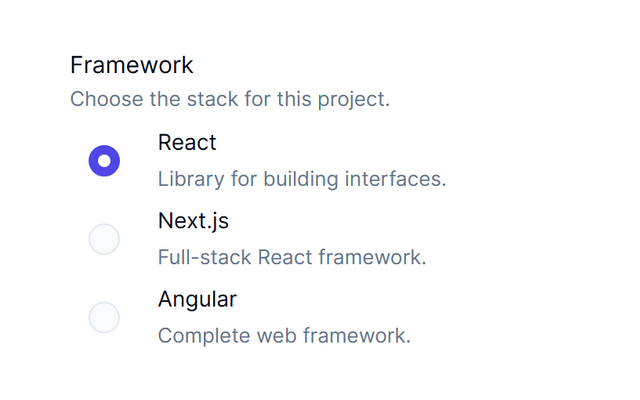
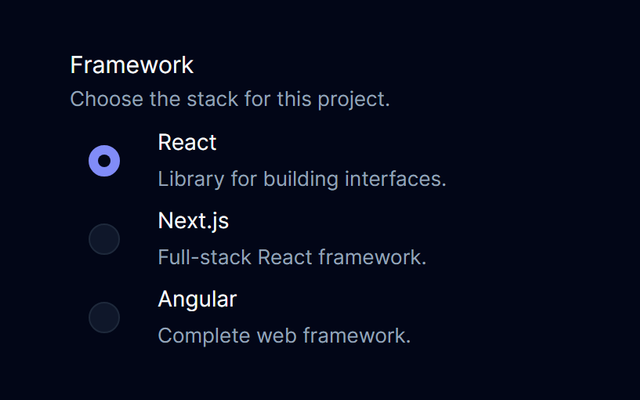
- Choose one framework in a named radio group.
Radio
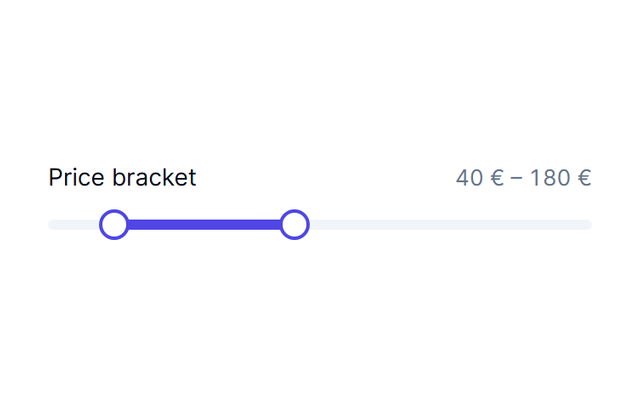
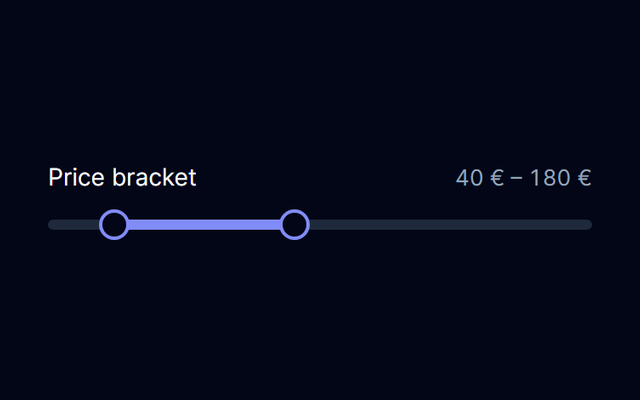
- Set a lower and upper price boundary.
RangeSlider
- Single selection with a styled listbox or an explicit native option.
Select
- Adjust a price filter with visible numeric feedback.
Slider
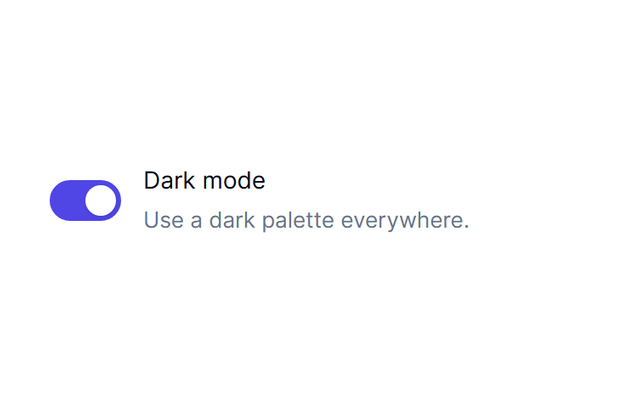
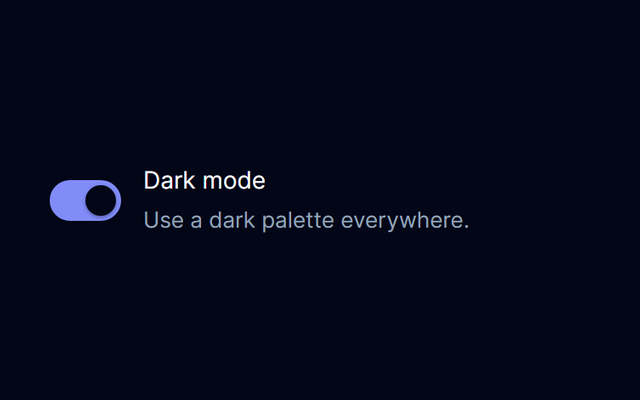
- Controlled appearance preferences with supporting descriptions.
Switch
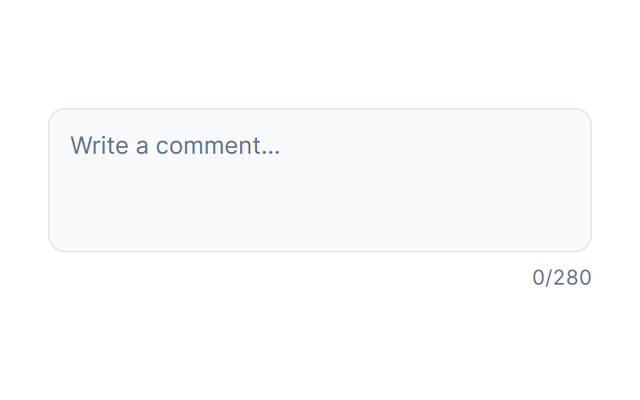
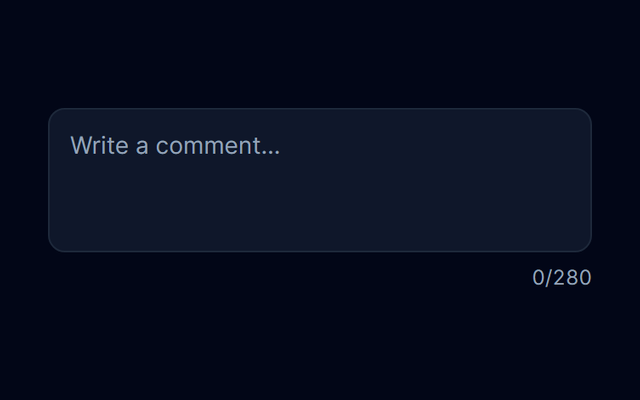
- Write a comment with application-owned text.
Textarea
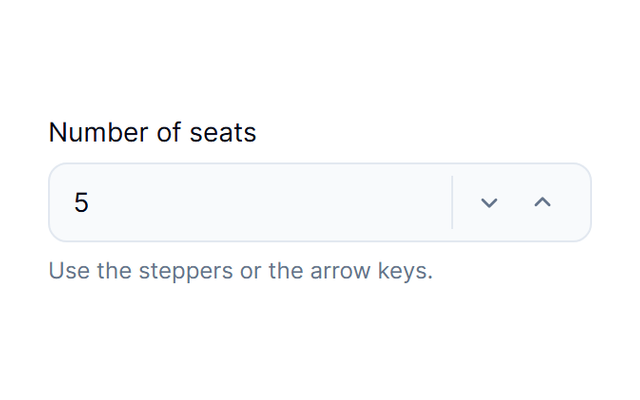
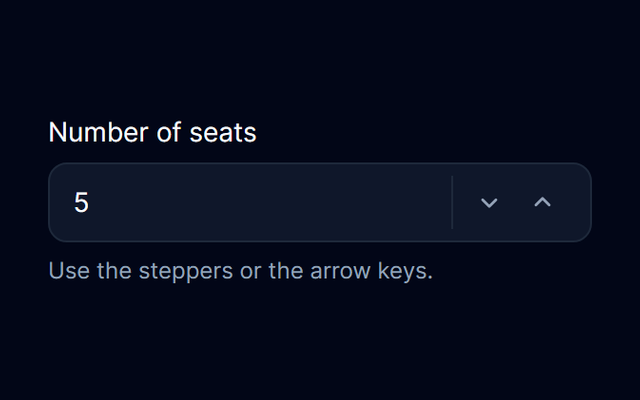
- Choose a number of seats and see the resulting quantity.
NumberInput
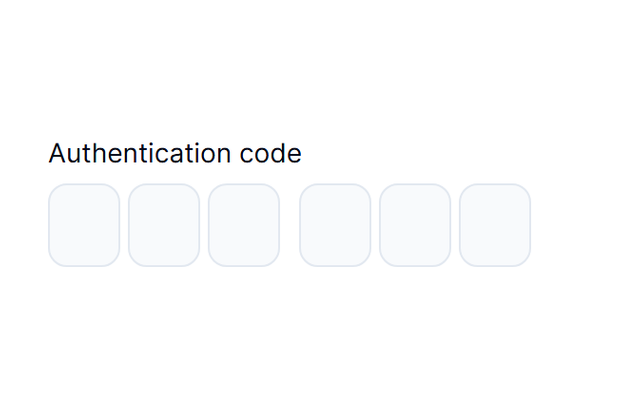
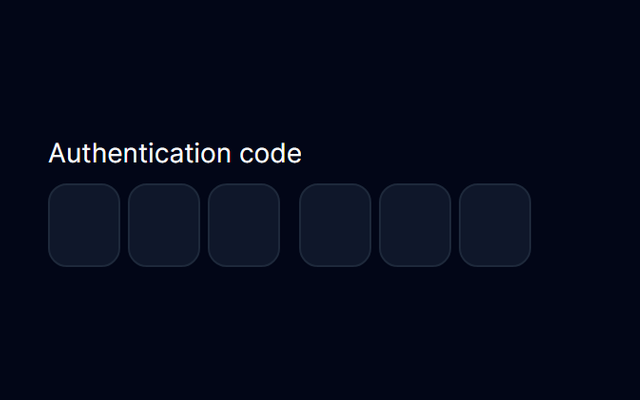
- A one-time verification code split into coordinated cells.
PinInput
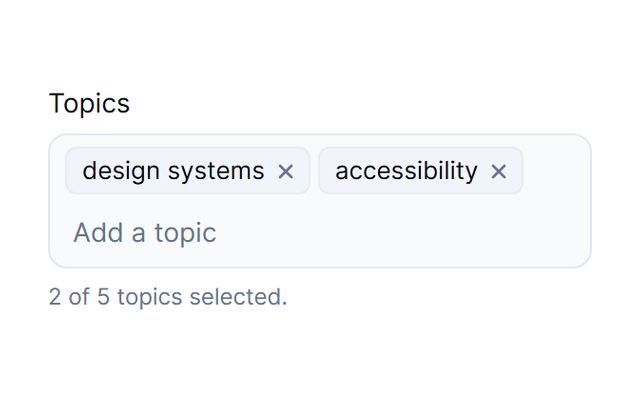
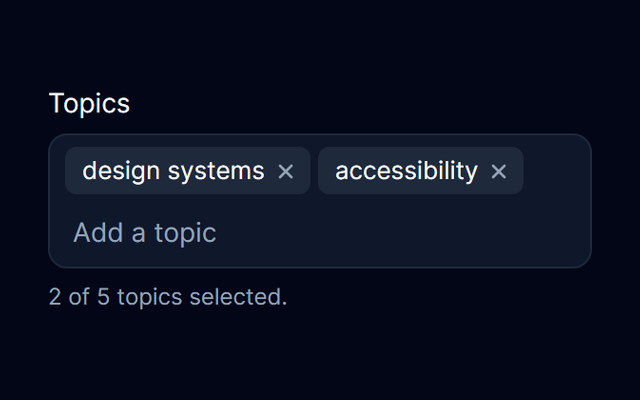
- Create and remove tags for an article.
TagsInput
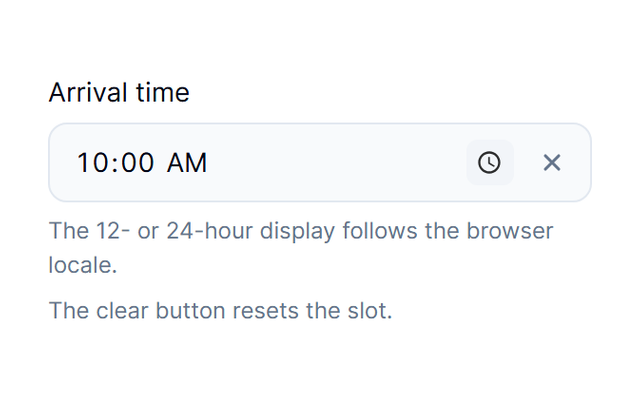
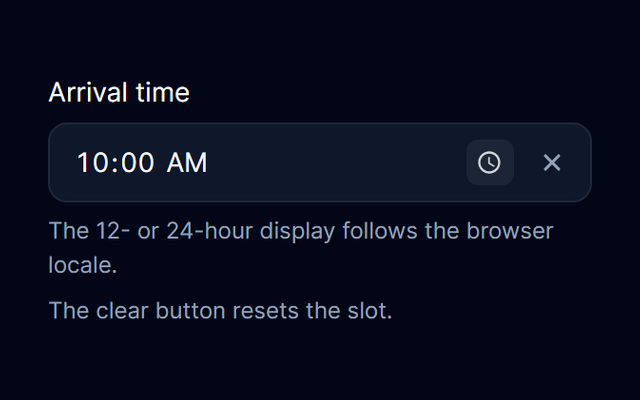
- Choose a booking time with visible selection feedback.
TimePicker
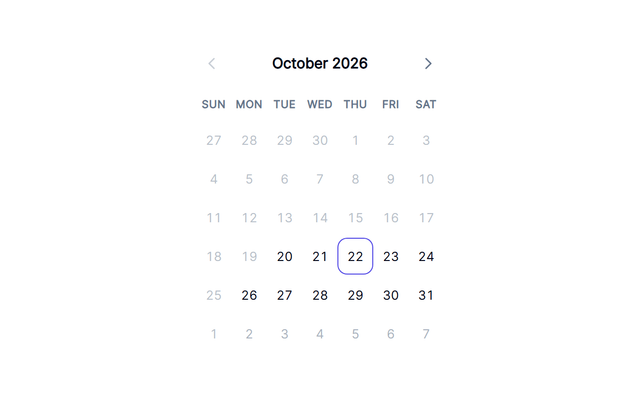
- Select dates for a booking in a standalone calendar.
Calendar
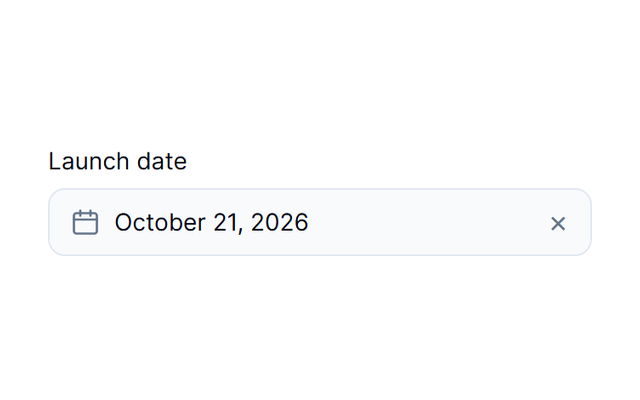
- Single-day selection with a calendar, locale and form integration.
DatePicker
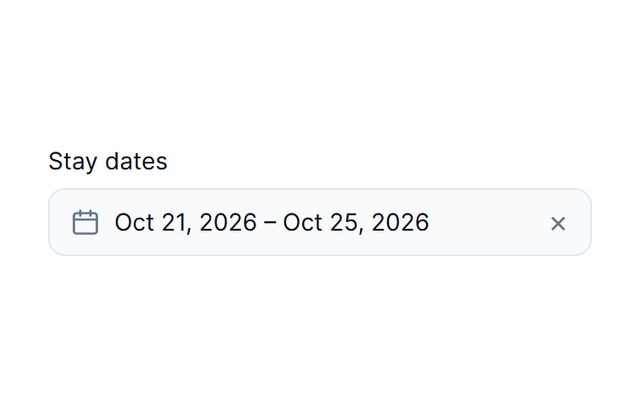
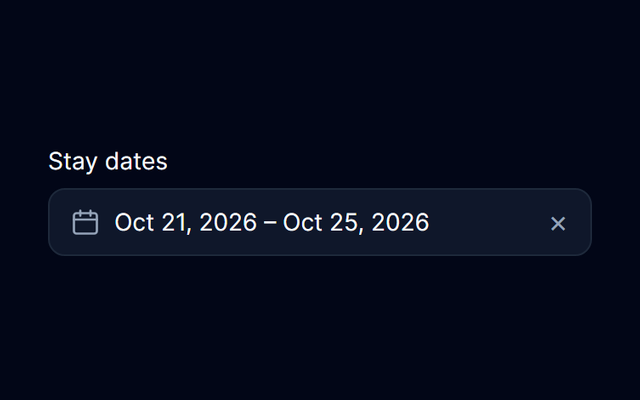
- Pick arrival and departure dates for a reservation.
DateRangePicker
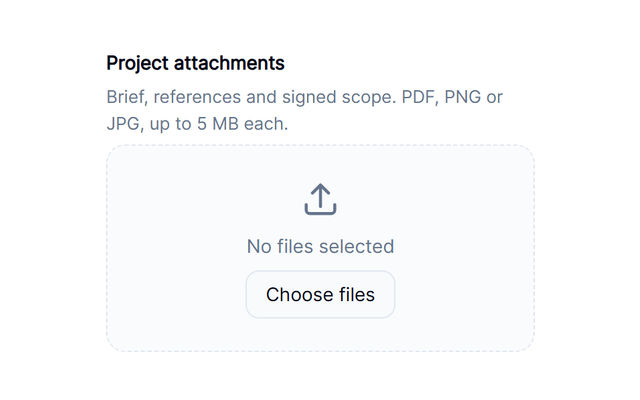
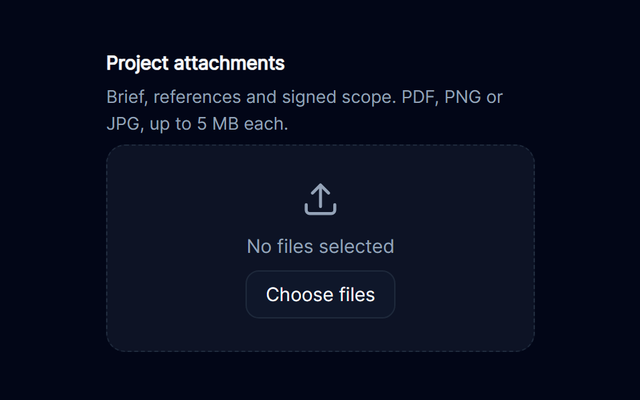
- Attach supporting documents to a request.
FileUpload
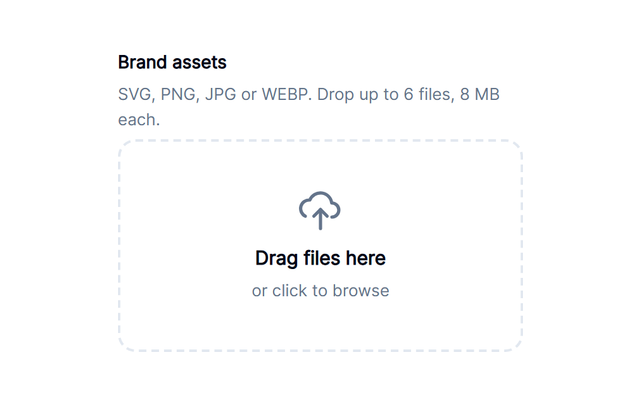
- Upload and review a collection of brand assets.
Dropzone
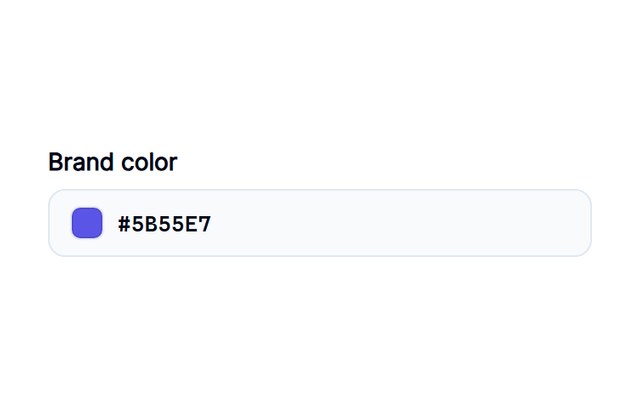
- Edit two brand colors with a live visual preview.
ColorPicker
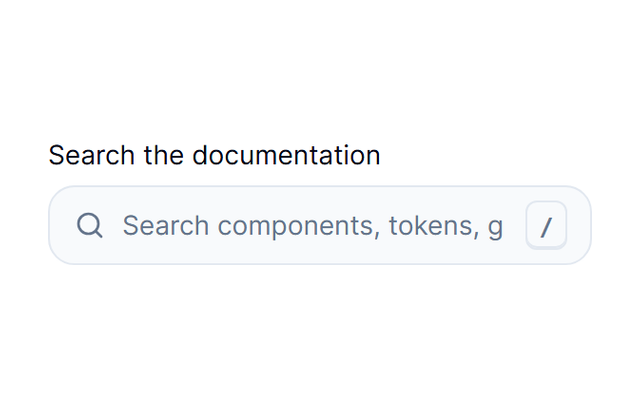
- Filter a documentation list with controlled search text.
SearchInput
- A password field in an application-owned sign-in form.
PasswordInput
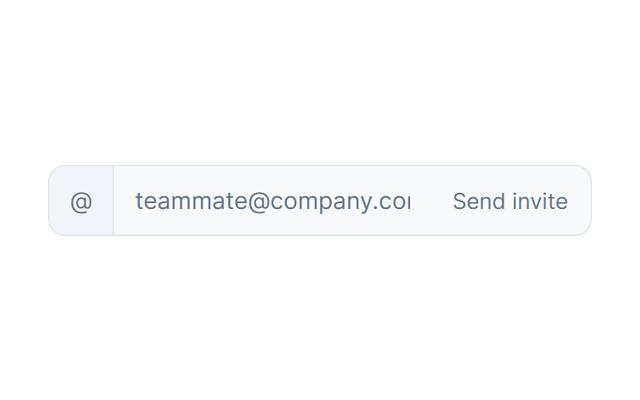
- Invite a teammate using a composed field and adjacent action.
InputGroup
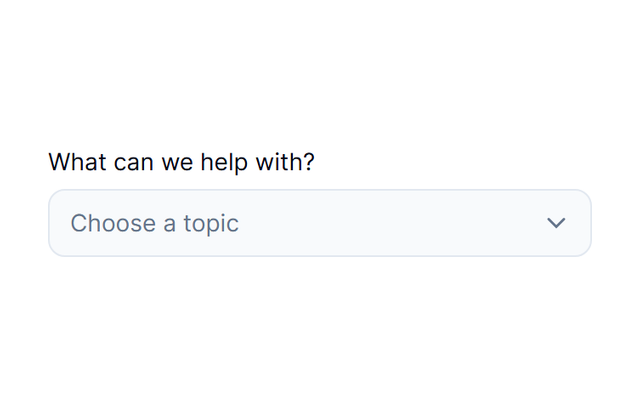
- Route a ticket through a hierarchical selection.
TreeSelect
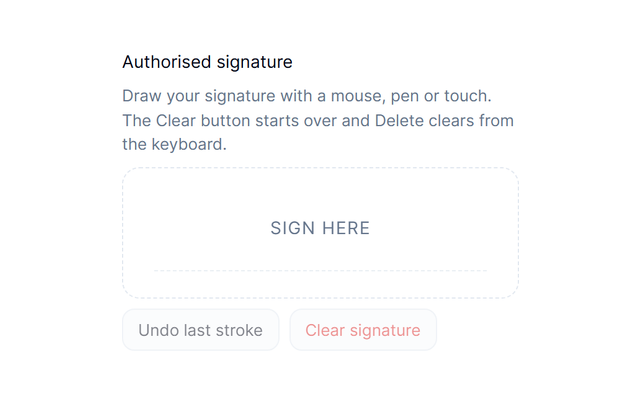
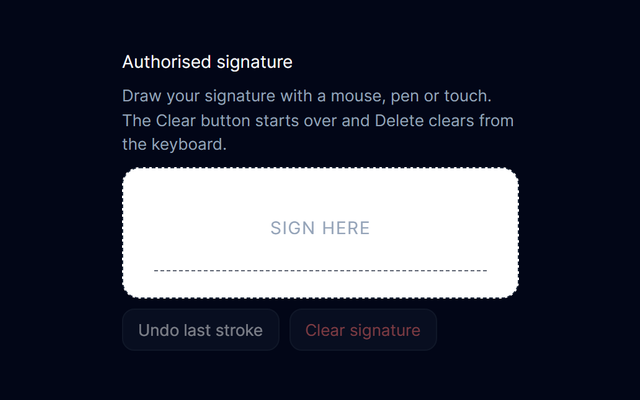
- Capture a signature for a contract workflow.
Signature
- Typed values, validation and submit state with useForm.
Form
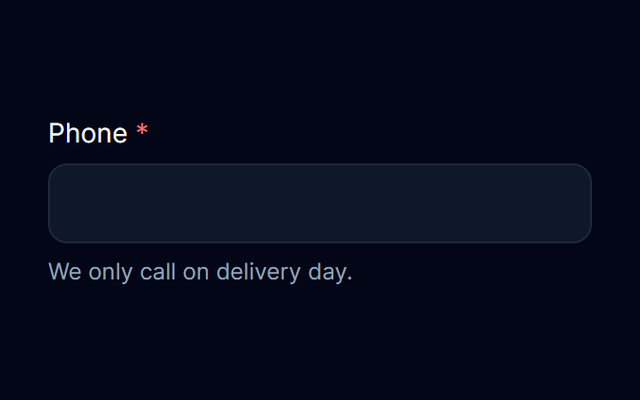
- Guide entry of formatted delivery information.
MaskedInput
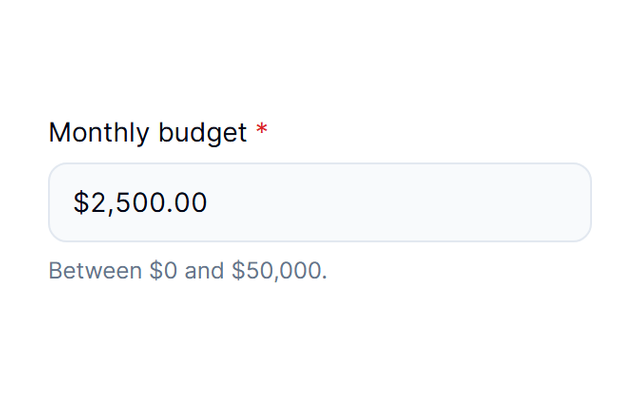
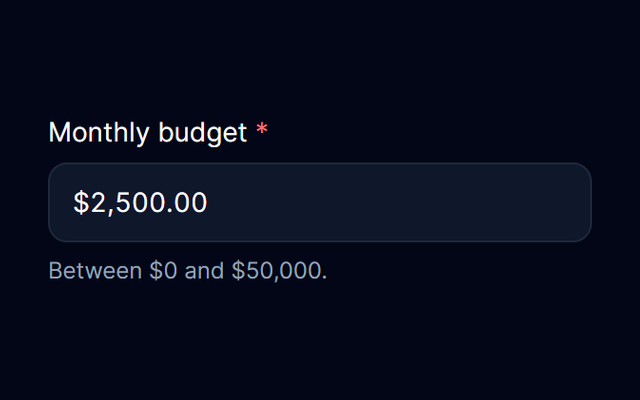
- Enter a budget with locale-aware currency formatting.
CurrencyInput
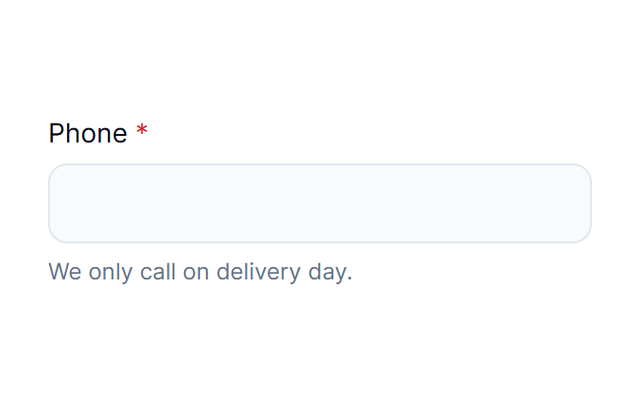
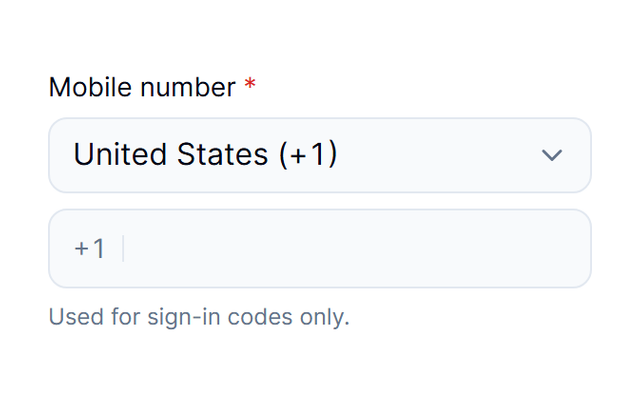
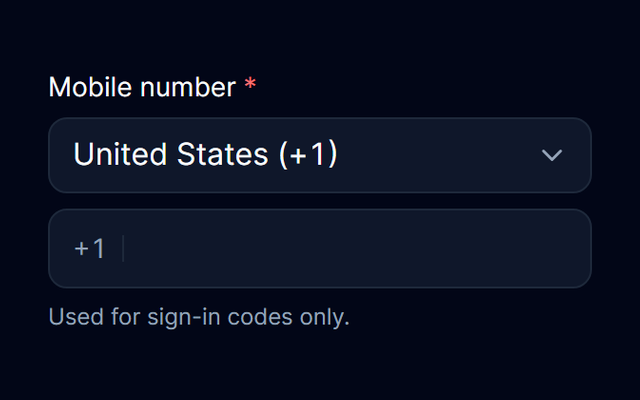
- Choose a calling code and enter a contact number.
PhoneInput
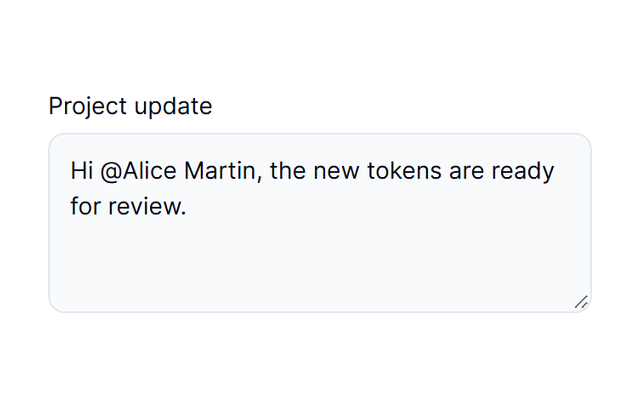
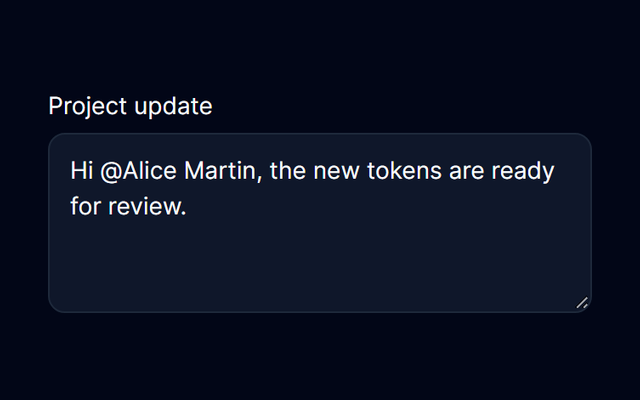
- Mention teammates while writing a project update.
Mentions
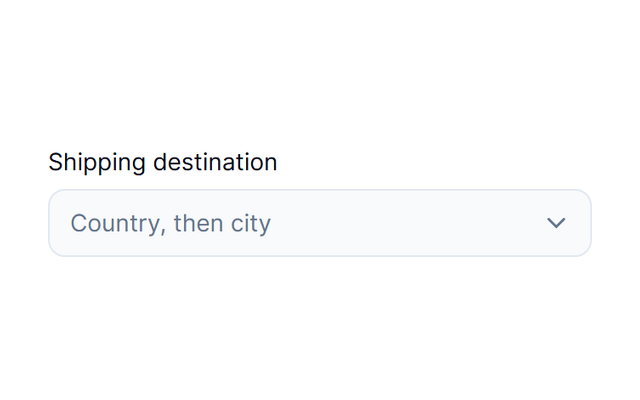
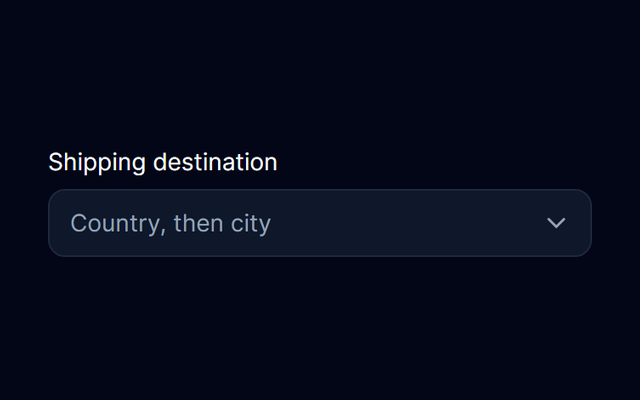
- Choose a shipping destination through nested levels.
Cascader
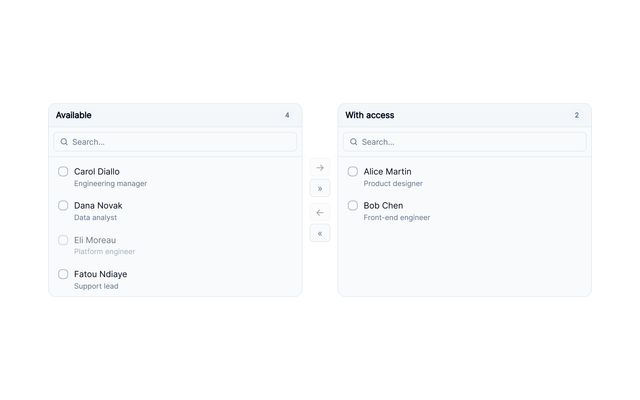
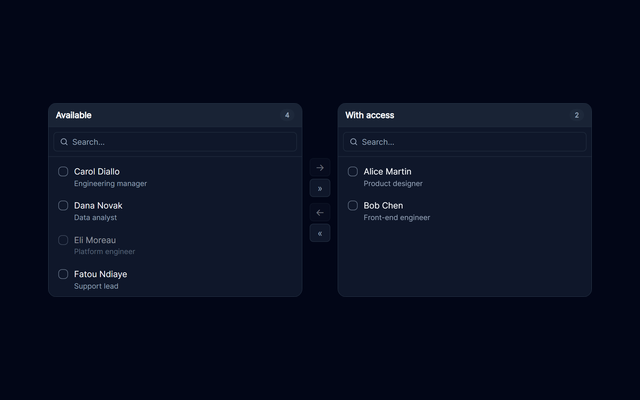
- Assign a subset of available permissions.
Transfer





Data display
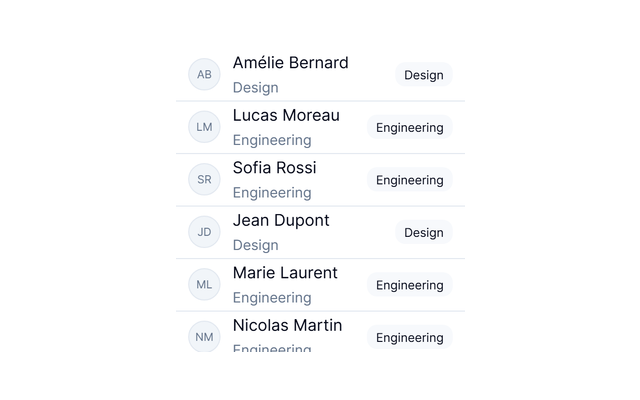
18 families- People and teams with image and fallback identities.
Avatar
- A compact label for status, classification or a small count.
Badge
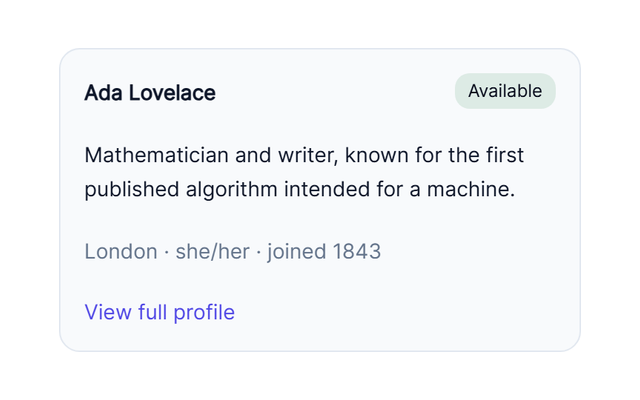
- A composable surface for related content and actions.
Card
- Select entries in an application-owned list.
List
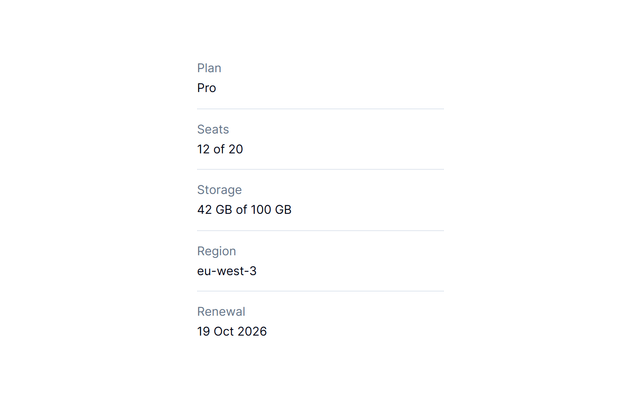
- Workspace metadata expressed as terms and descriptions.
DescriptionList
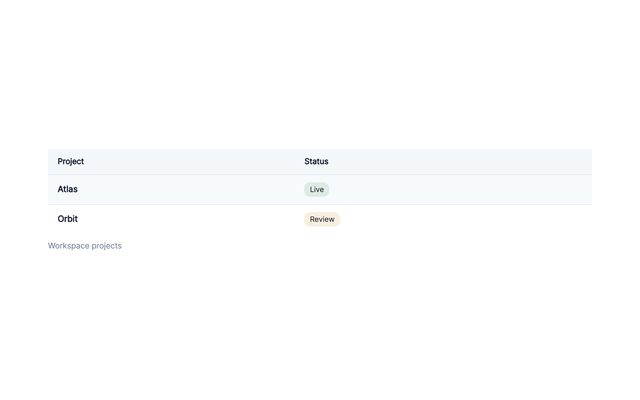
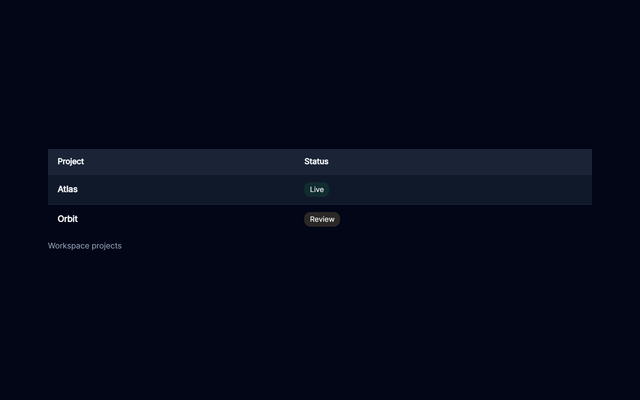
- Semantic table primitives when your application owns the data behavior.
Table
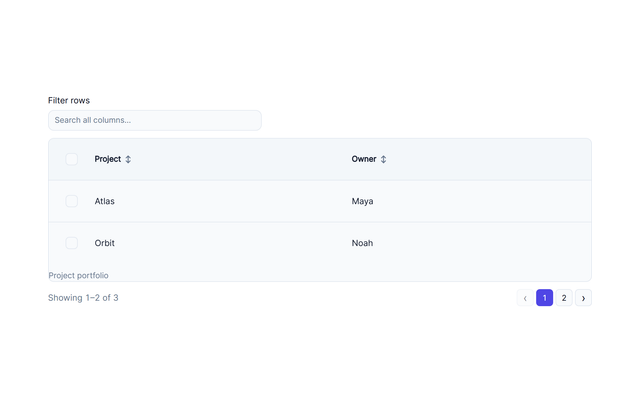
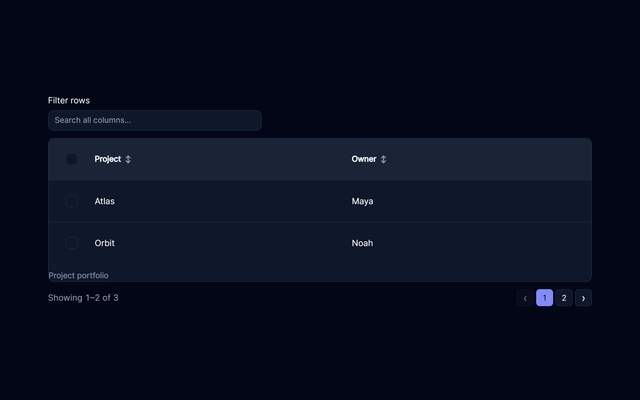
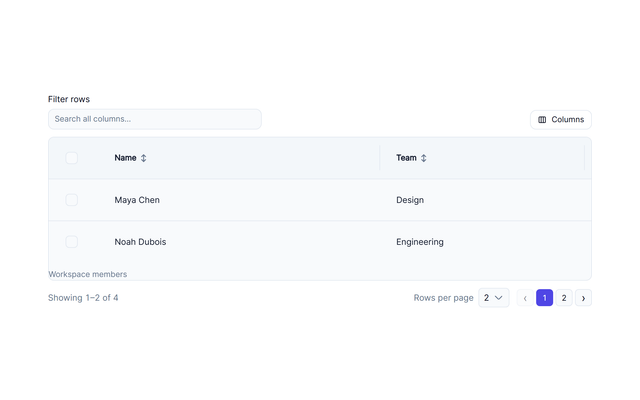
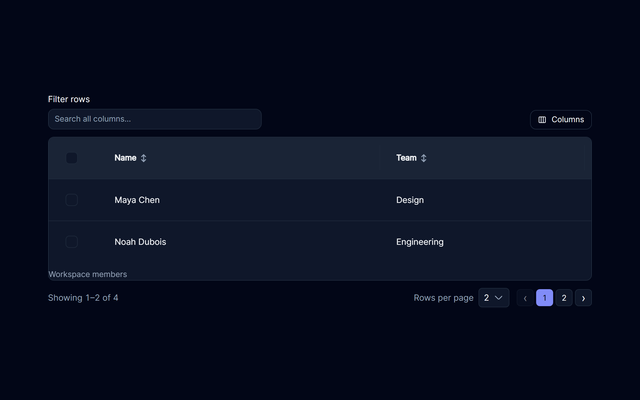
- Filtering, sorting, selection and pagination for straightforward datasets.
DataTable
- A richer data surface with ownership modes, grouping and configurable columns.
DataGrid
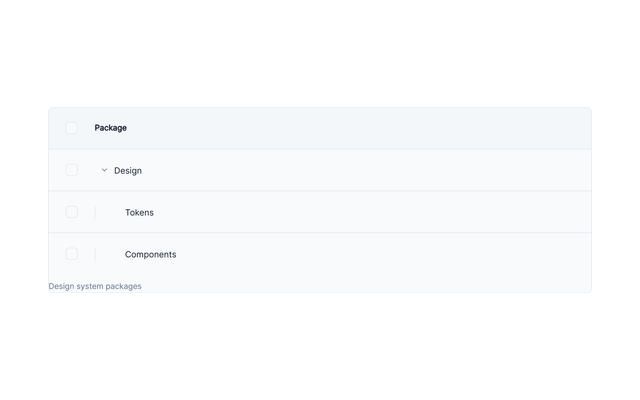
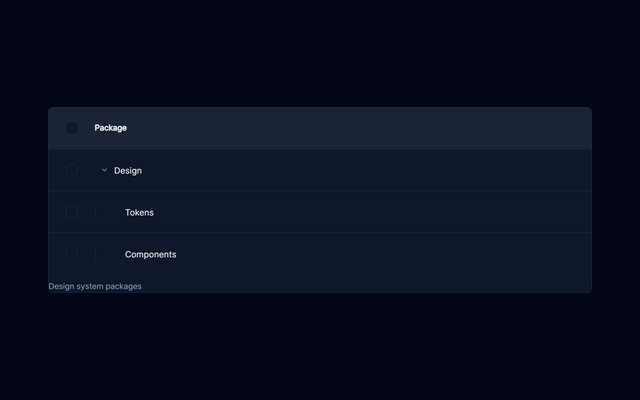
- A folder hierarchy with columns and controlled selection.
TreeTable
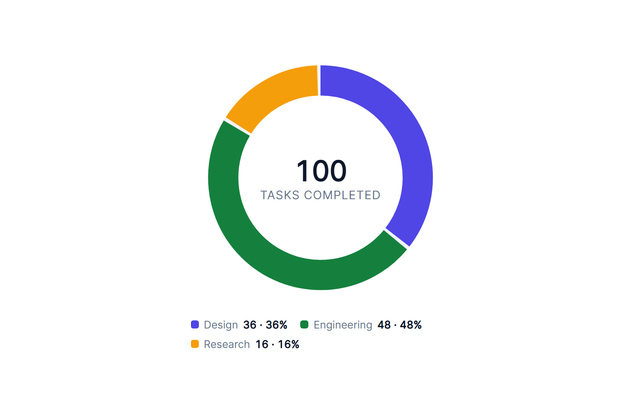
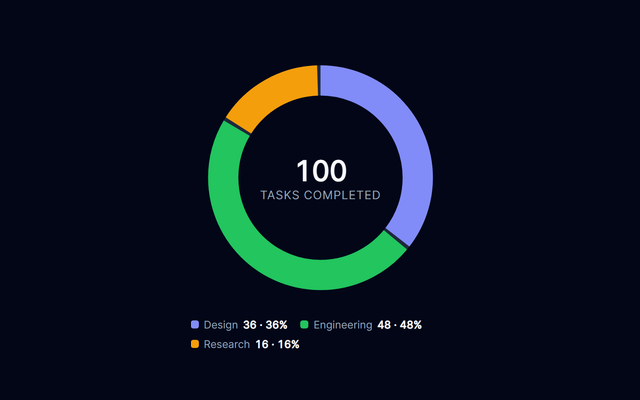
- SVG charts with legends and accessible data alternatives.
Charts
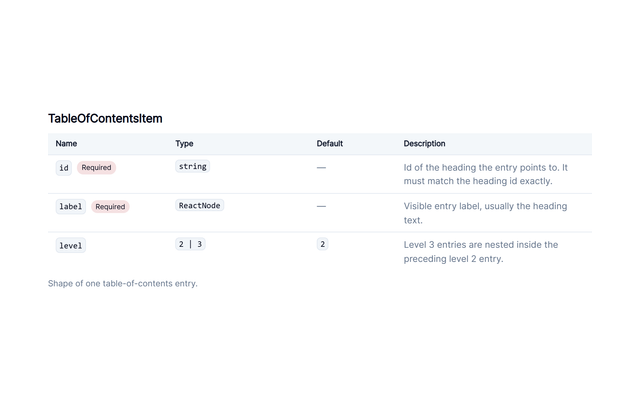
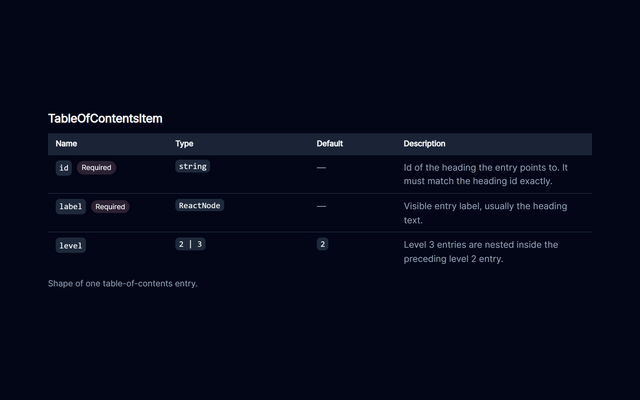
- A compact reference of property contracts.
ApiTable
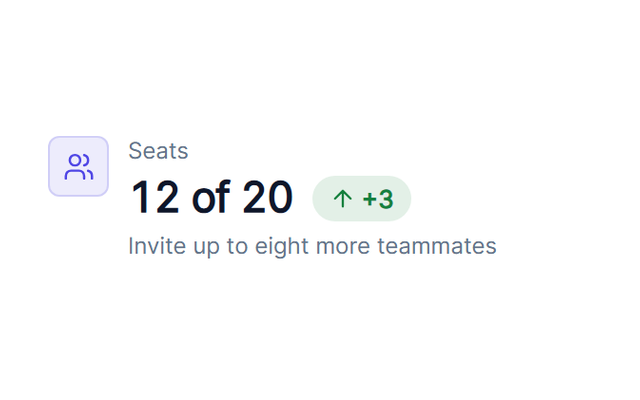
- A billing snapshot with values, trends and context.
Stat
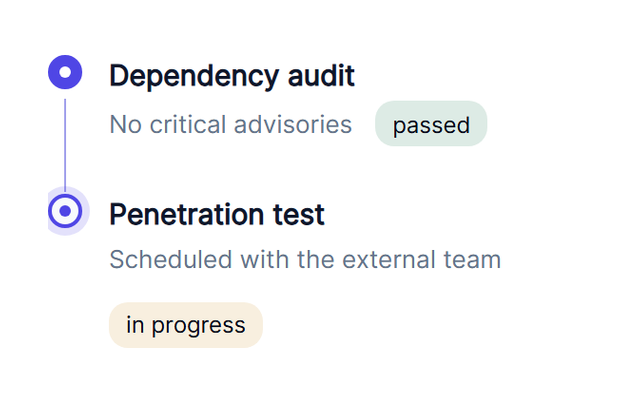
- A sequence of security-review events.
Timeline
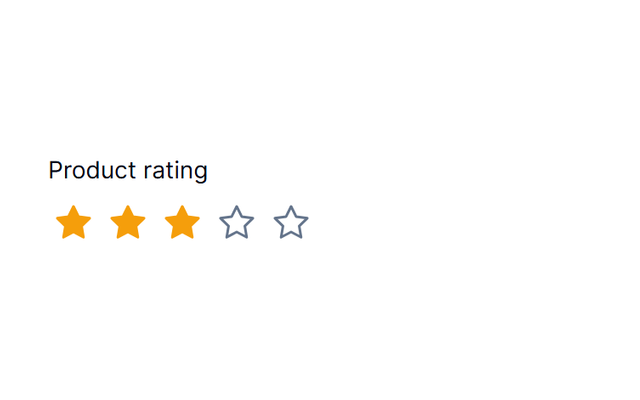
- An editable product rating with local feedback.
Rating
- A product image inside a composed product card.
Image
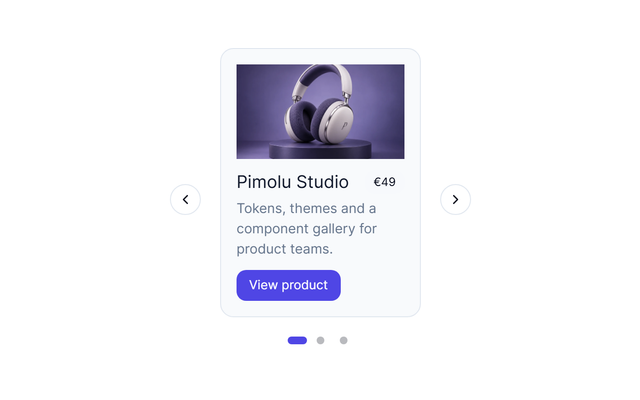
- A browsable product gallery with image descriptions.
Carousel
- Search a large directory without mounting every visible record at once.
VirtualList
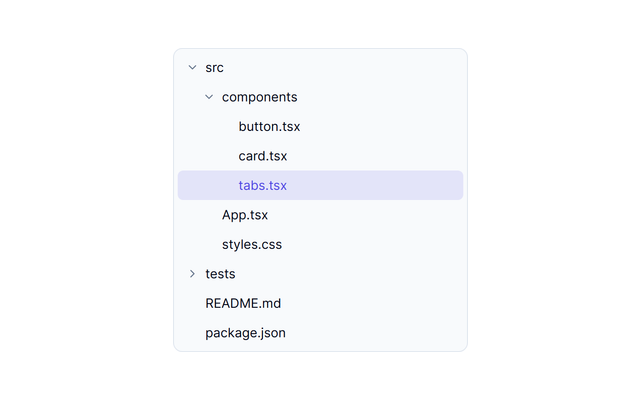
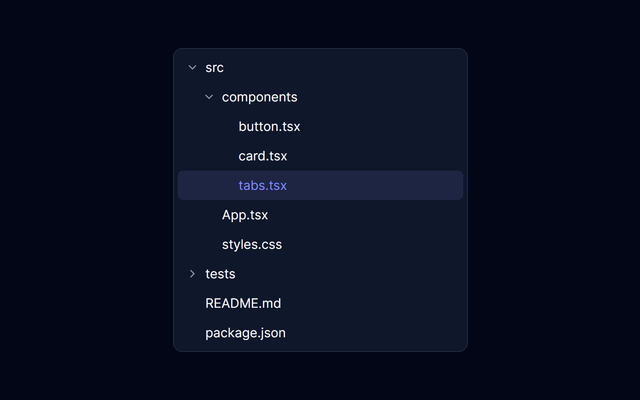
- Browse an application-controlled file hierarchy.
TreeView

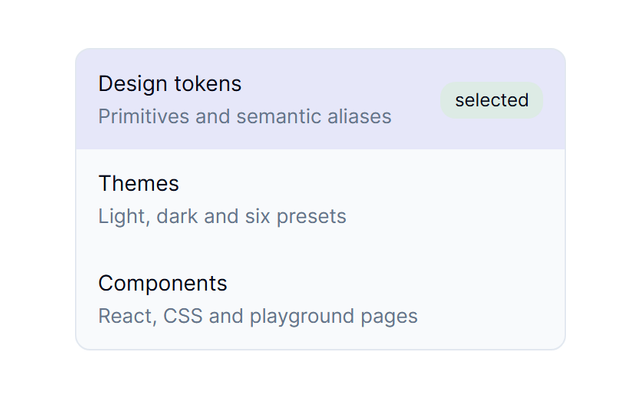



Complex
5 families
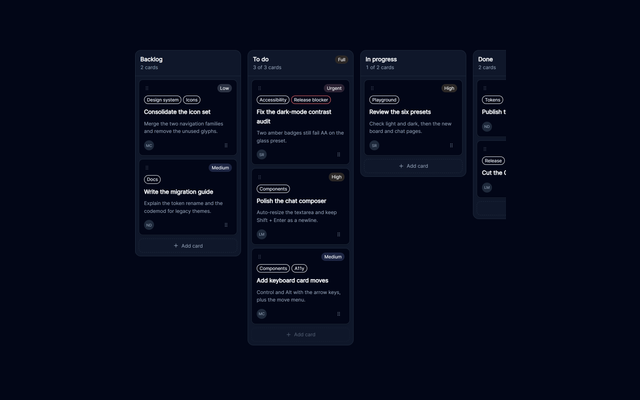
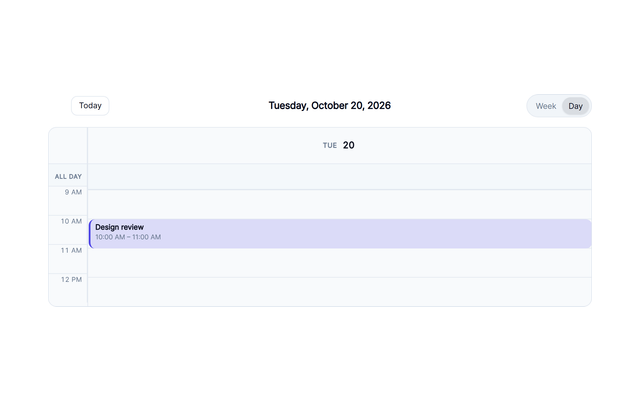
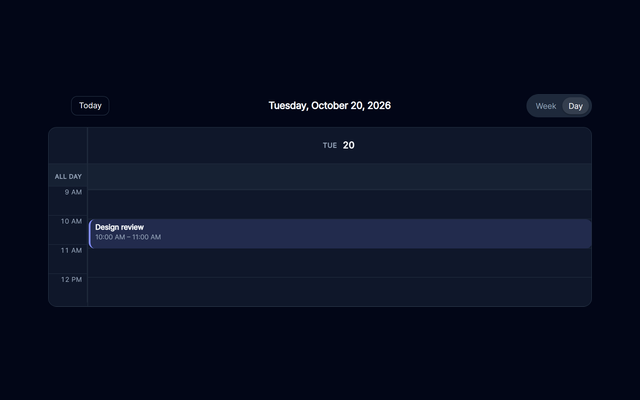
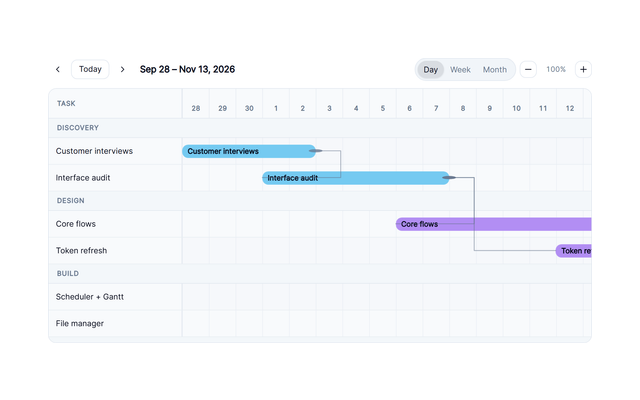
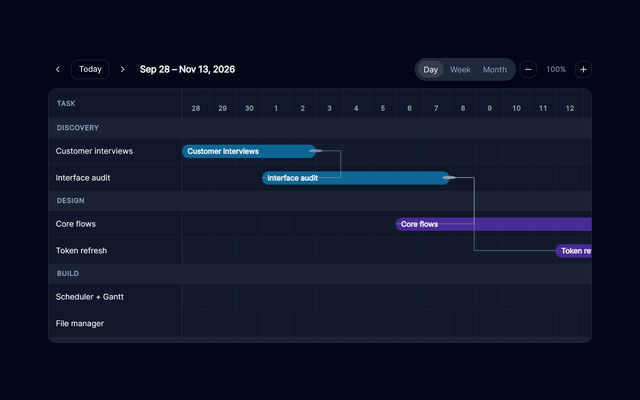
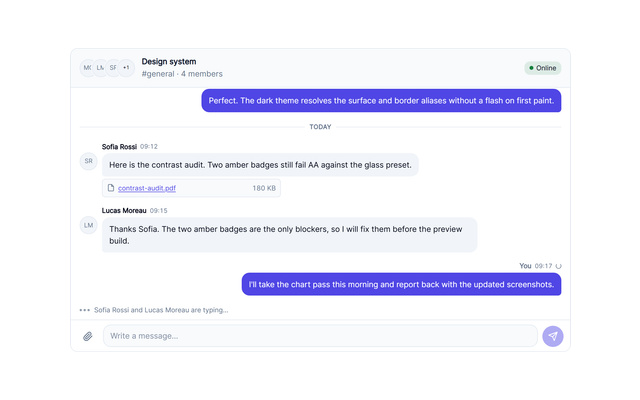
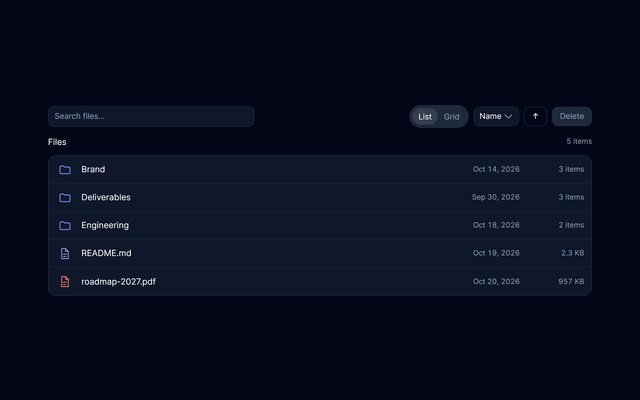
Media
6 families- Play the bundled Pimolu tour with captions.
VideoPlayer
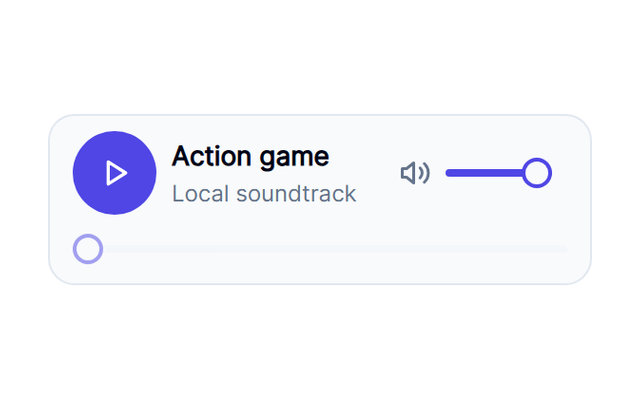
- Browse and play locally bundled design-note episodes.
AudioPlayer
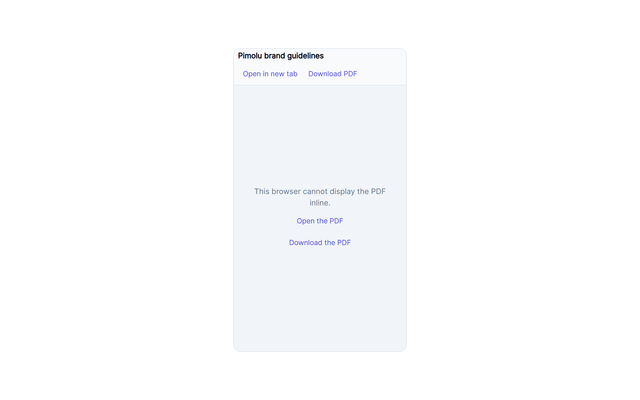
- Read the bundled brand-guidelines document.
PDFViewer
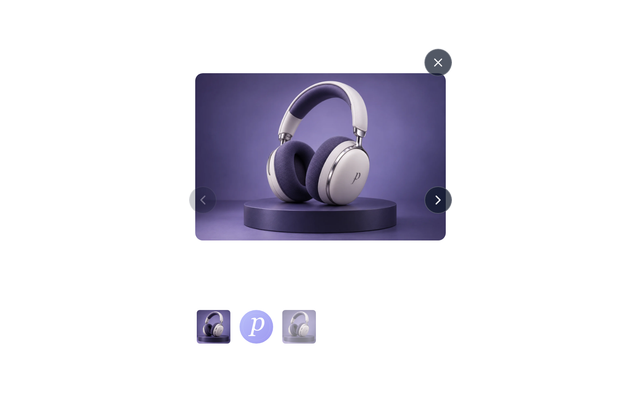
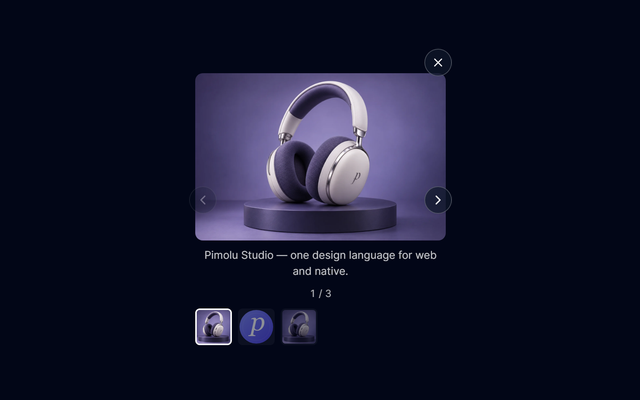
- Open a gallery at its selected image.
Lightbox
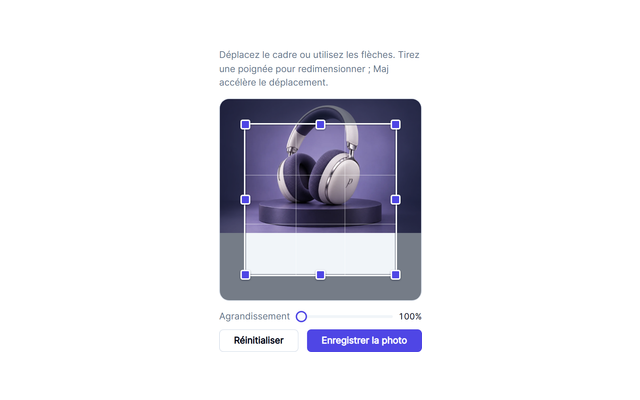
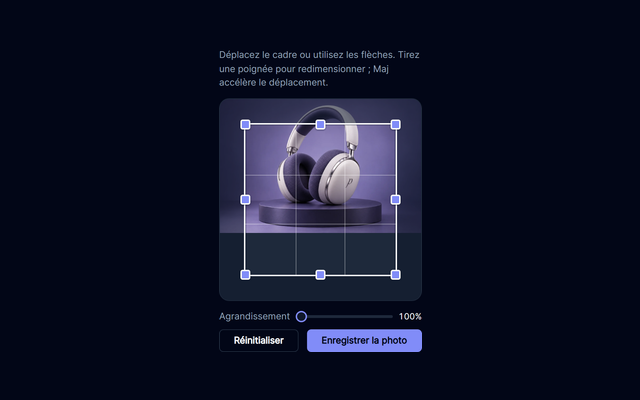
- Crop a profile image and inspect the exported result.
ImageCropper
- Create a QR code from an editable value.
QRCode




Typography
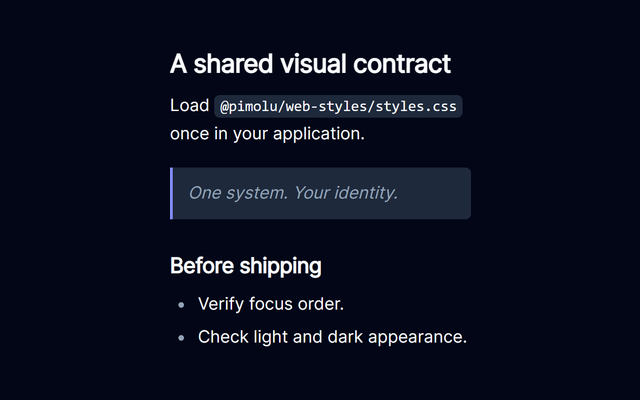
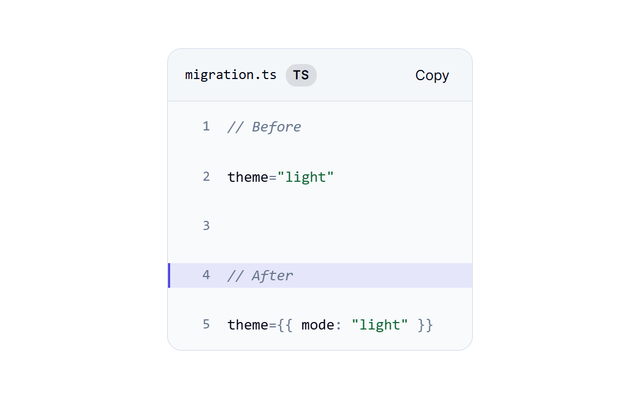
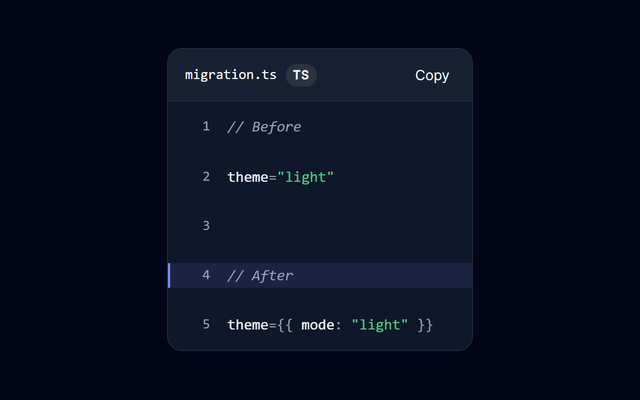
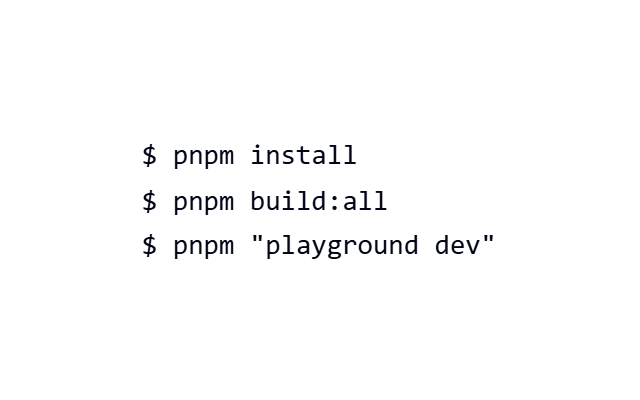
5 families


Layout
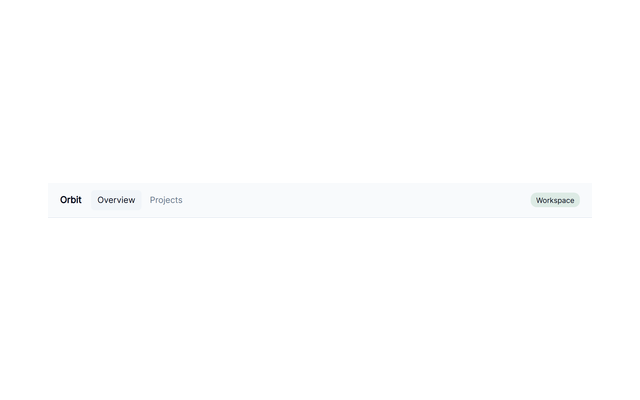
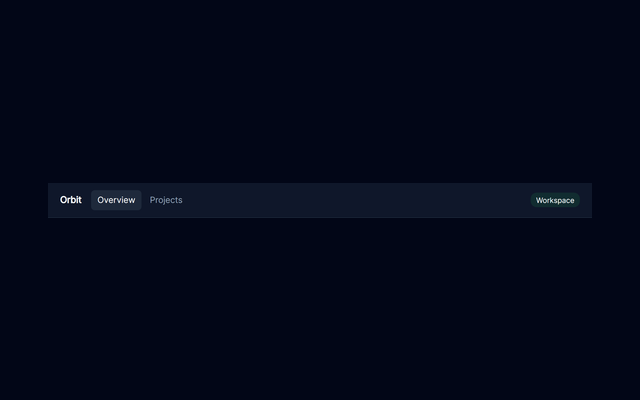
22 families- Brand, navigation and actions with a real responsive toggle.
Navbar
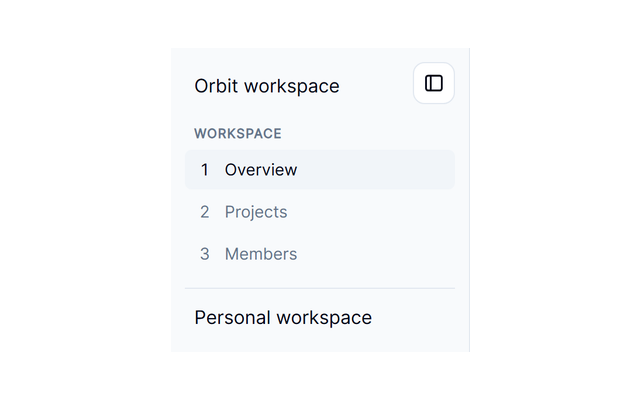
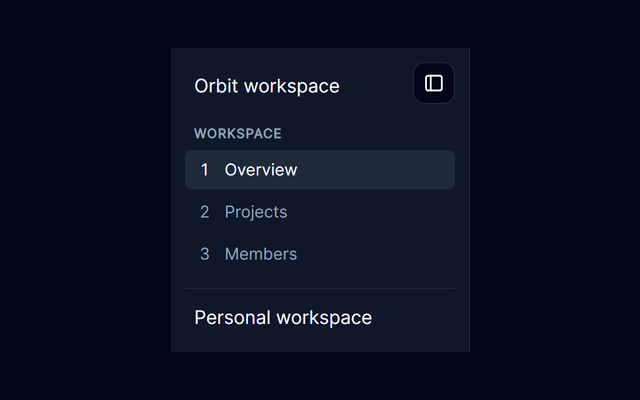
- Grouped navigation that can collapse without losing its controls.
Sidebar
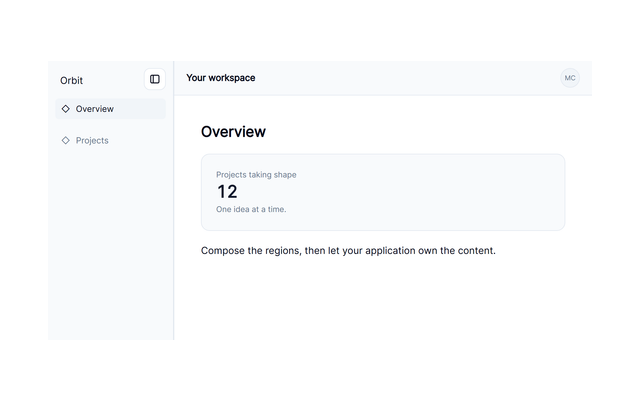
- A composed workspace with sidebar, navbar, content and an optional right rail.
DashboardLayout
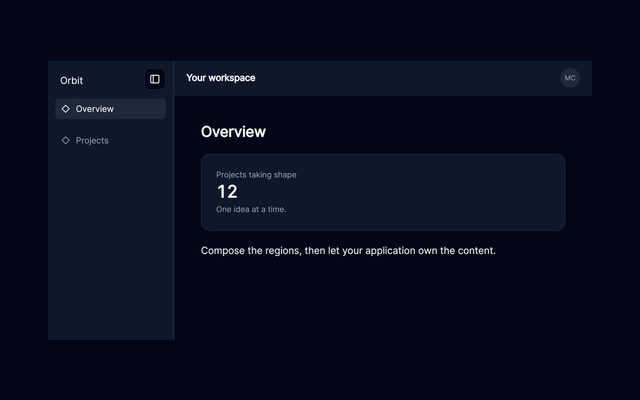
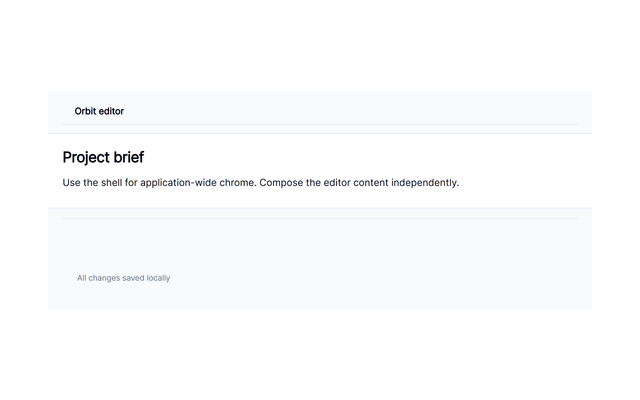
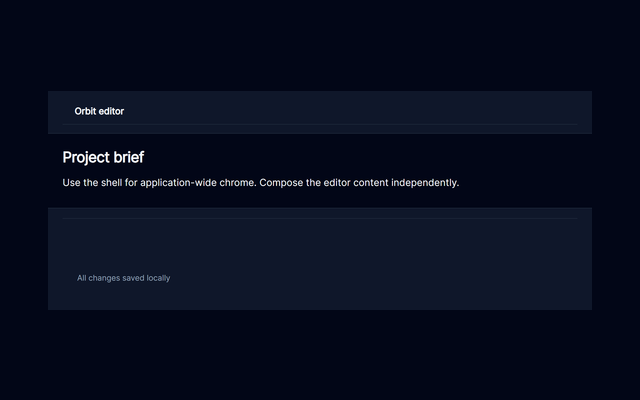
- Application regions with a header, rails and footer.
AppShell
- A page introduction with context and actions.
PageHeader
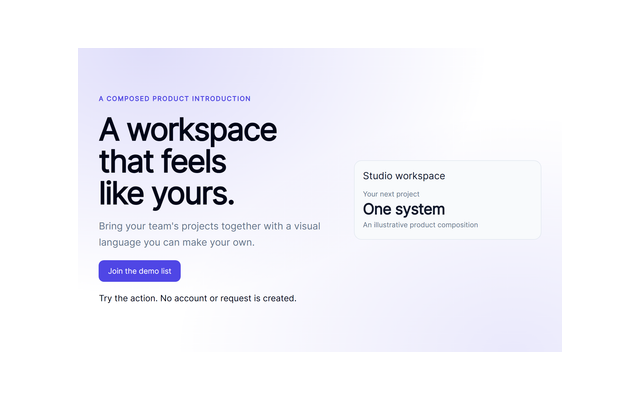
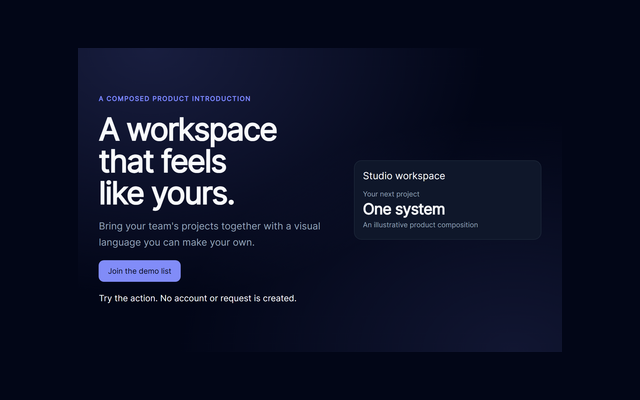
- A composed product introduction with calls to action.
Hero
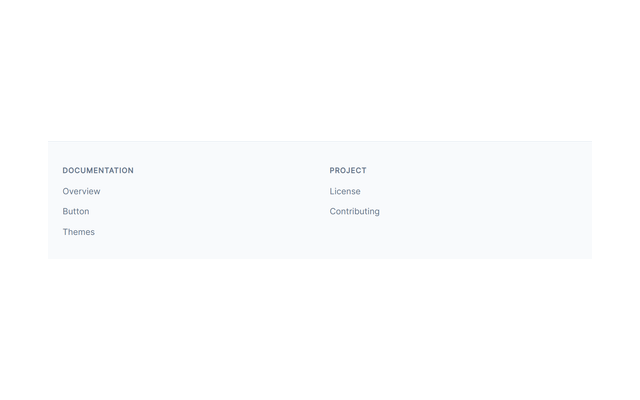
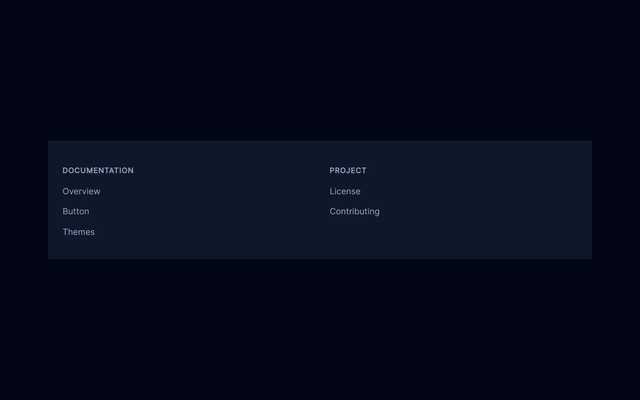
- Grouped product links and legal information.
Footer
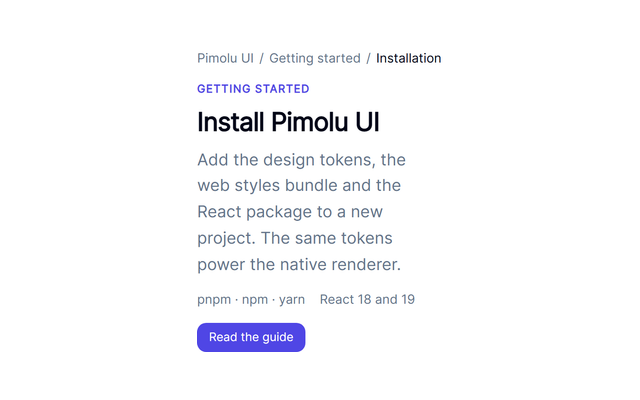
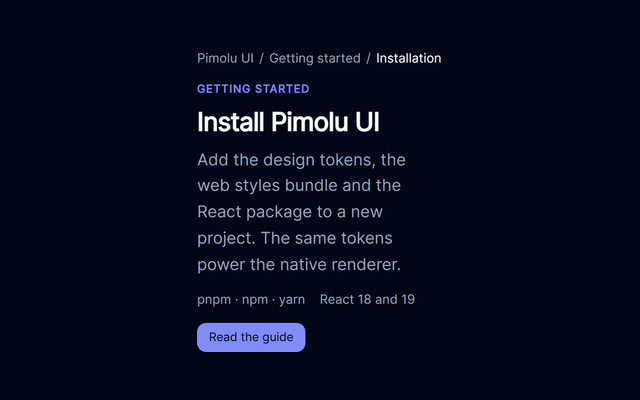
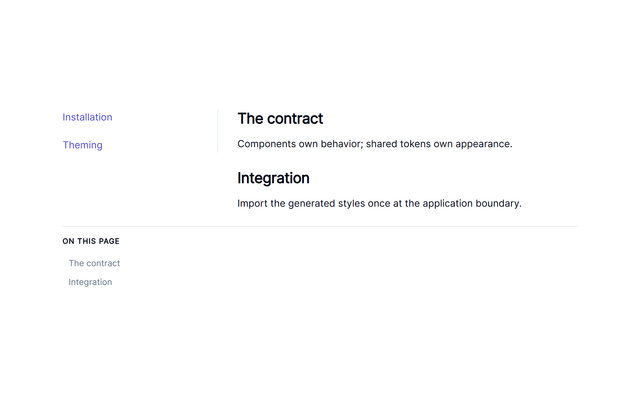
- A documentation shell with navigation and article content.
DocsLayout
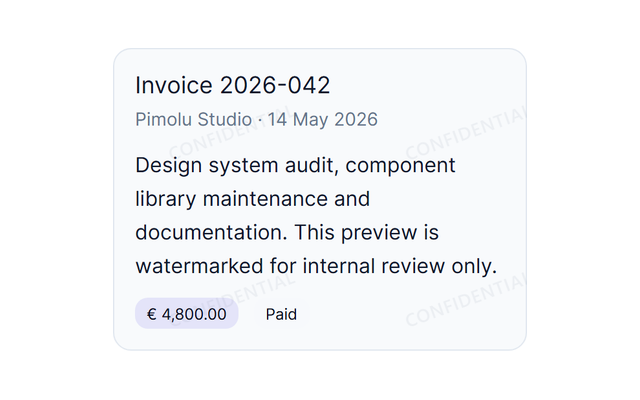
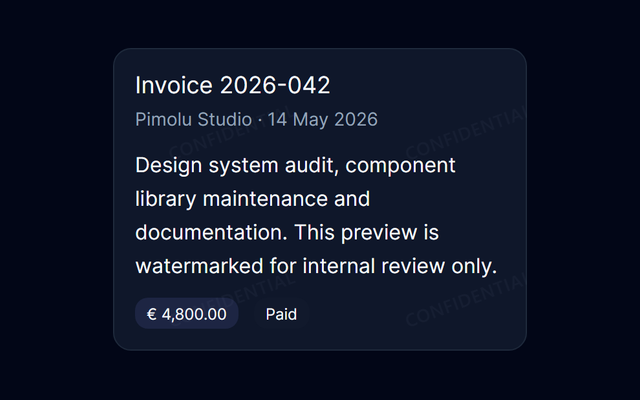
- A repeated visual mark on document content.
Watermark
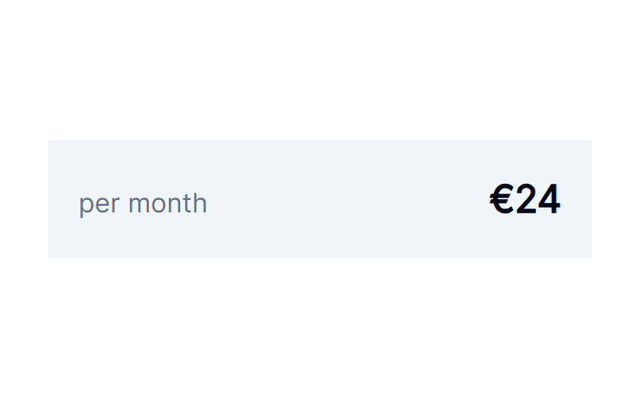
- A plan summary built from a token-aware surface primitive.
Box
- A notification composition with consistent spacing.
Stack
- A flexible toolbar that adapts to available space.
Flex
- A responsive collection arranged in a grid.
Grid
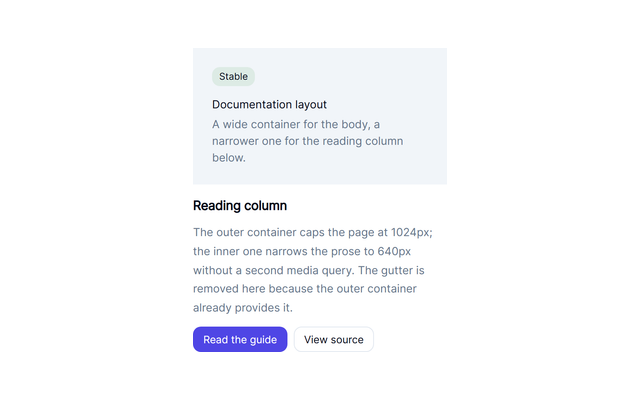
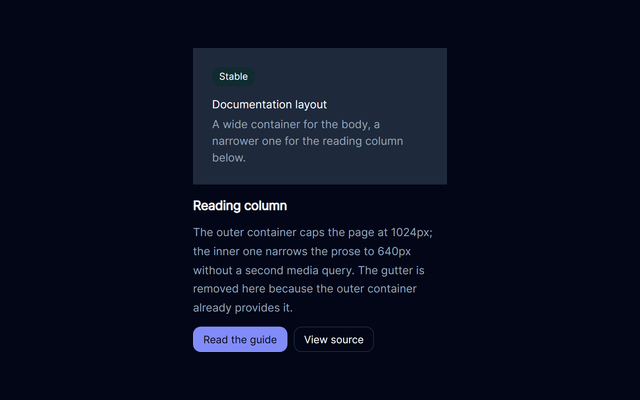
- Constrain a composition's reading width.
Container
- An empty-state composition centered within a surface.
Center
- Separate groups of actions in a responsive app bar.
Spacer
- Keep product media in a predictable frame.
AspectRatio
- Visible controls with additional screen-reader context.
VisuallyHidden
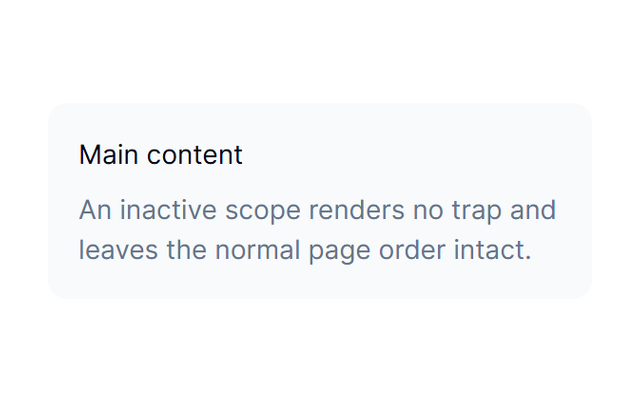
- An inline confirmation with deliberate focus handling.
FocusScope
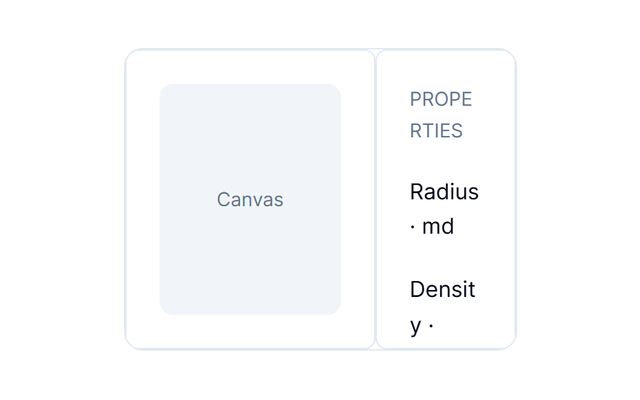
- A workspace inspector with resizable panels.
Resizable
- A bounded, scrollable activity list.
ScrollArea
- Separate account-setting groups without extra content.
Separator







Feedback
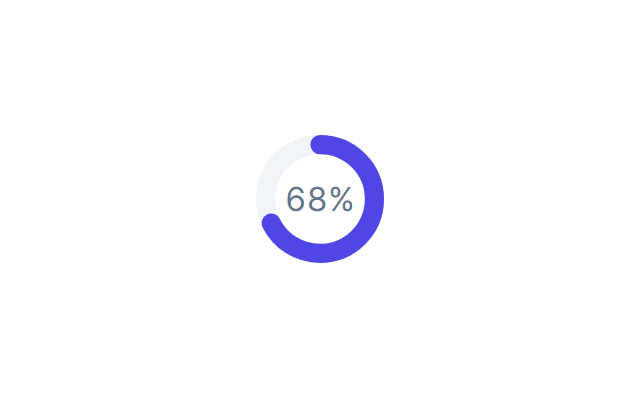
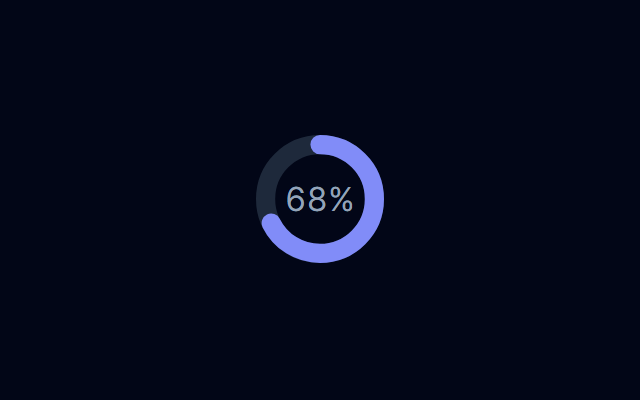
21 families- Show upload progress with a numeric value.
CircularProgress
- A focused modal conversation with managed focus and dismissal.
Dialog
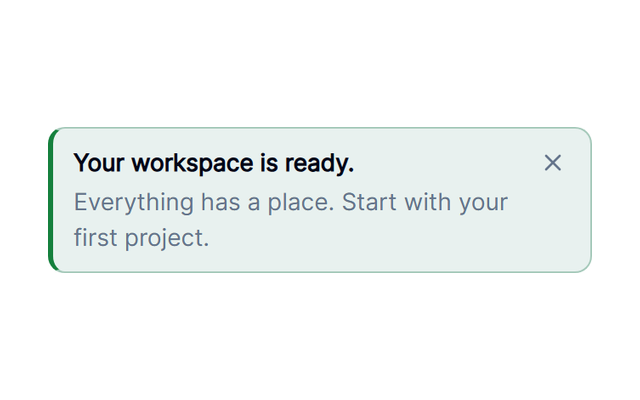
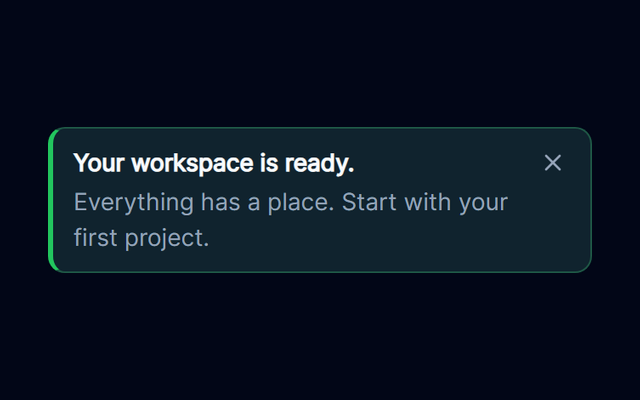
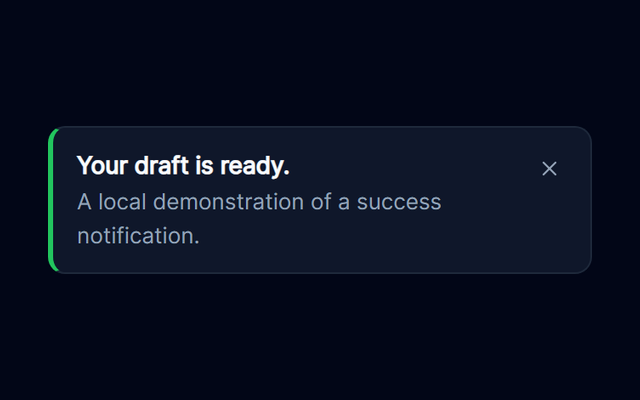
- Contextual feedback with a title, supporting text and optional actions.
Alert
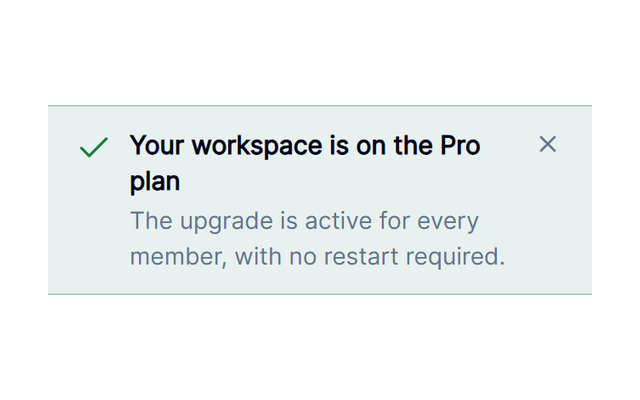
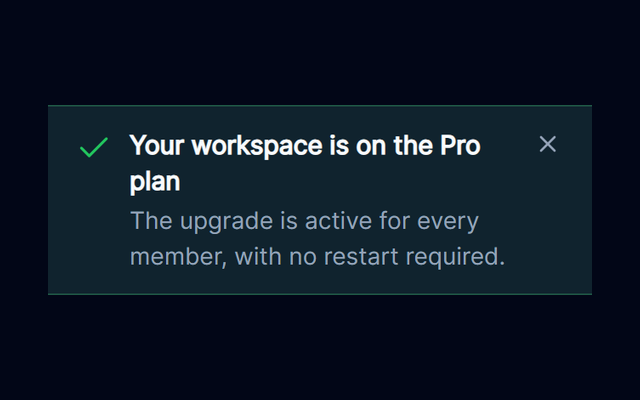
- A dismissible application-wide message.
Banner
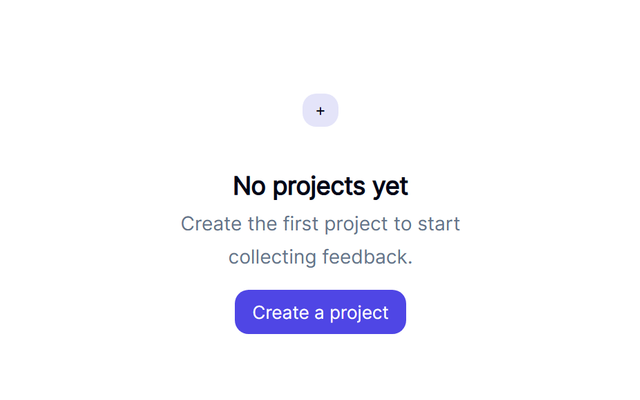
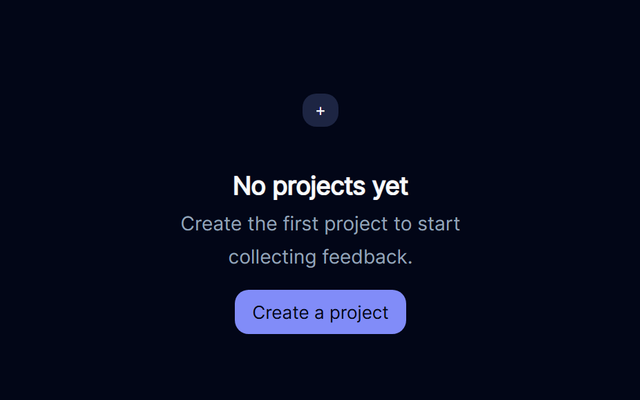
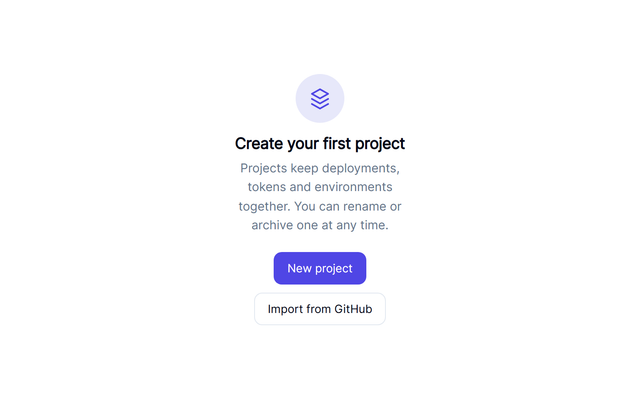
- Guide users toward creating their first project.
EmptyState
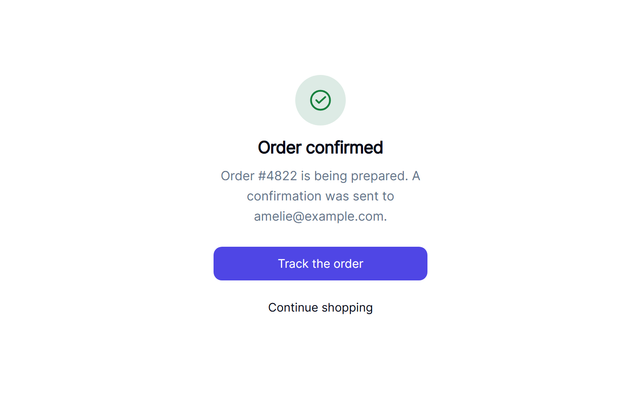
- A checkout outcome with a meaningful next action.
Result
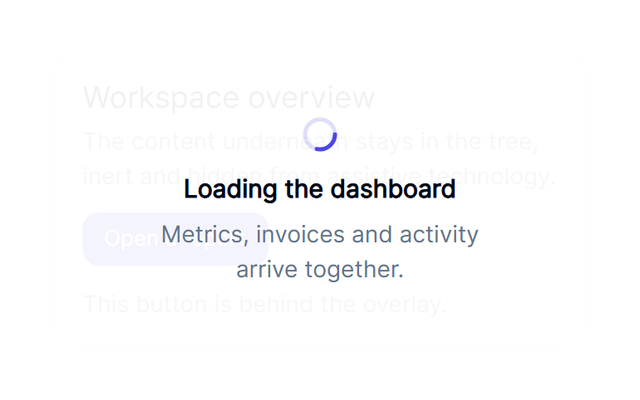
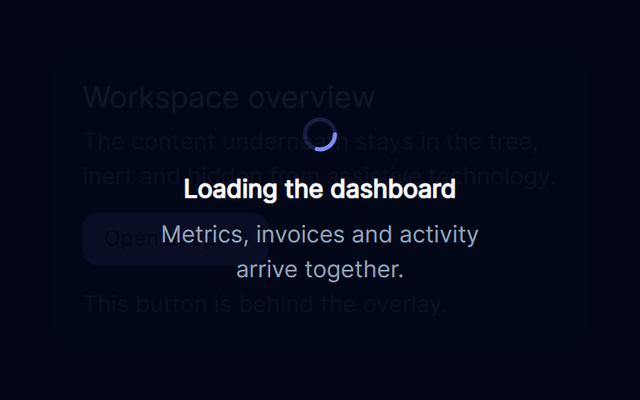
- Block a local action while work is in progress.
LoadingOverlay
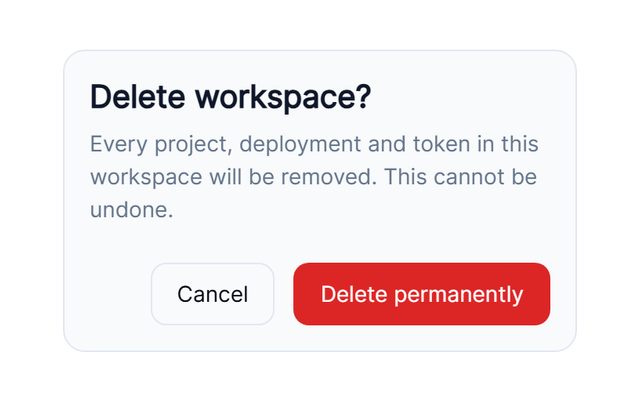
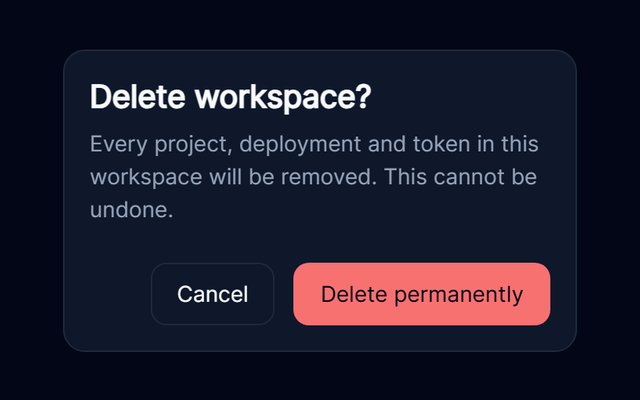
- An explicit decision before deleting a resource.
AlertDialog
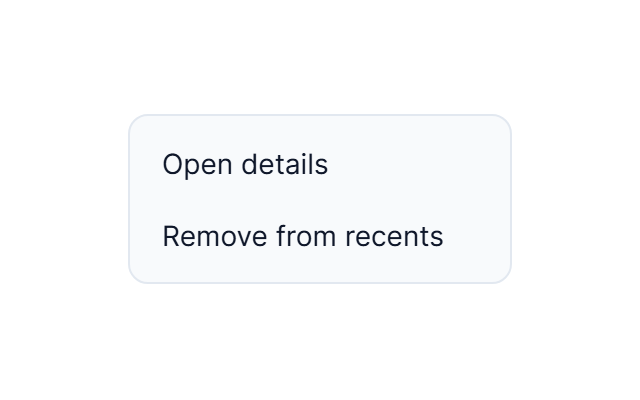
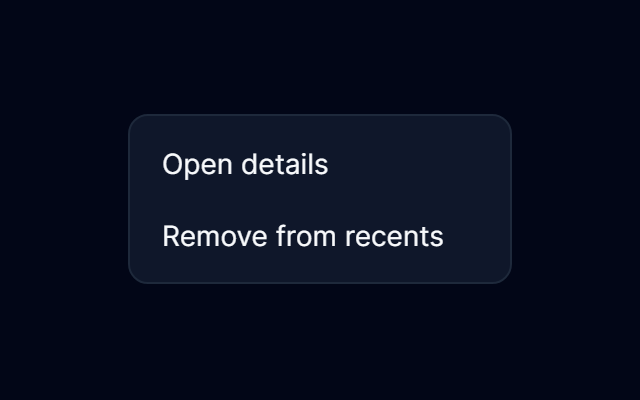
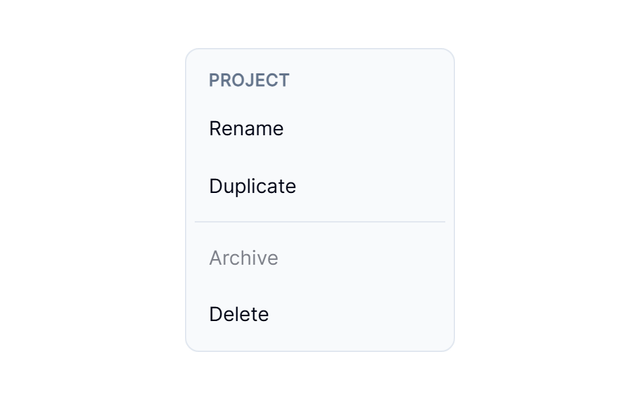
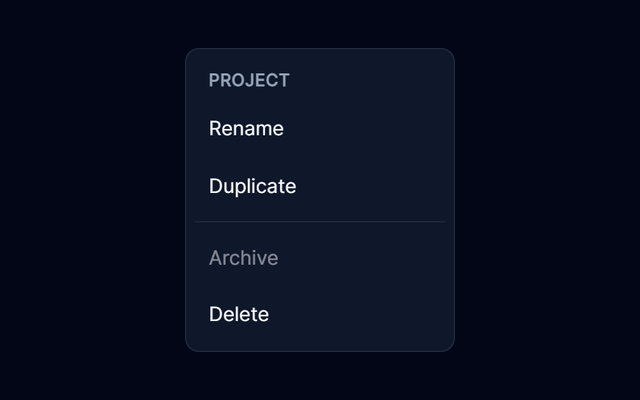
- Contextual commands for a project row.
ContextMenu
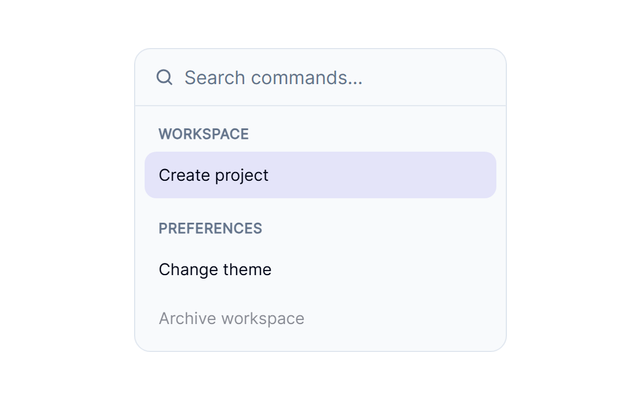
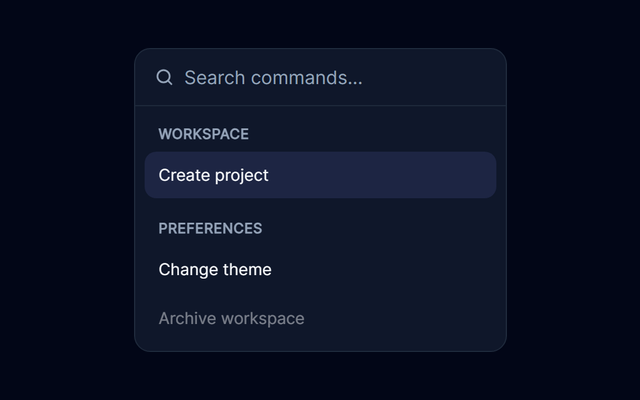
- Searchable actions with keyboard navigation and optional palette presentation.
Command
- Commands attached to a record action trigger.
DropdownMenu
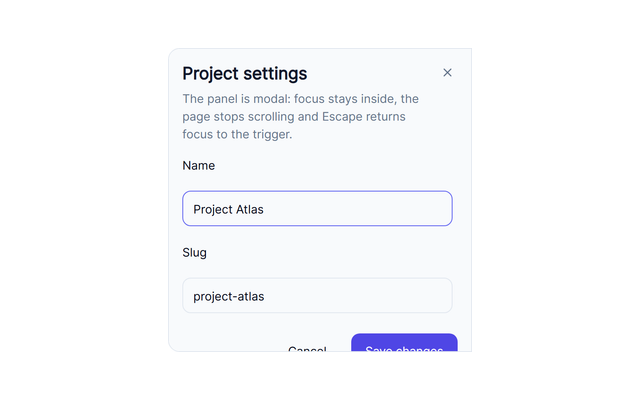
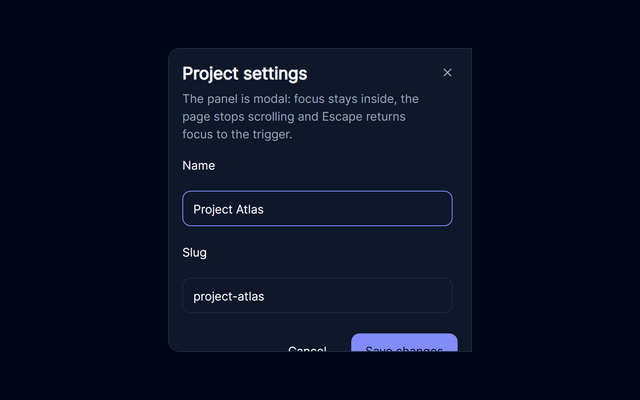
- A side panel for editing details without leaving context.
Drawer
- Supplementary profile information on a named trigger.
HoverCard
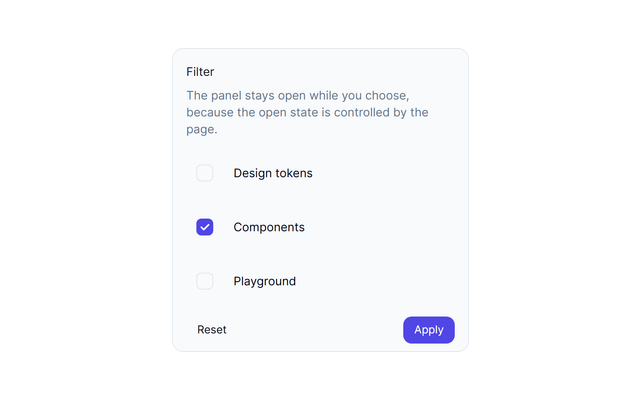
- Edit local filters in a compact anchored panel.
Popover
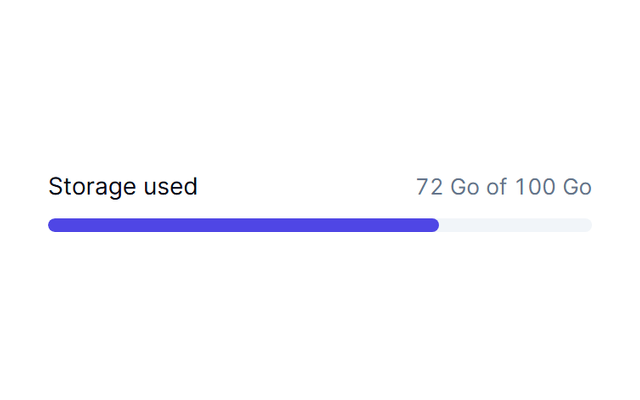
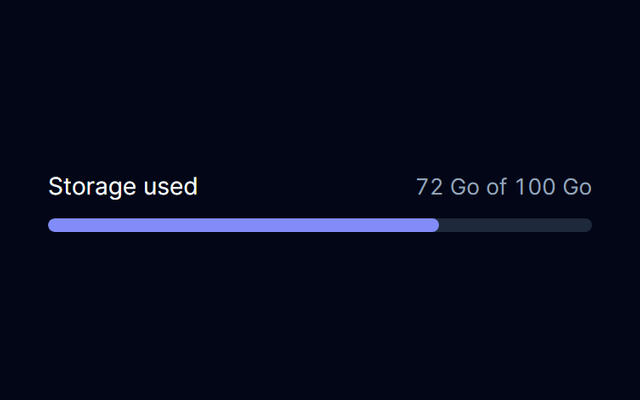
- Explain storage usage with a labelled progress meter.
Progress
- An article placeholder while real content loads.
Skeleton
- A pending form action with visible saving feedback.
Spinner
- Brief, dismissible notifications backed by a shared store.
Toast
- A controlled product tour with real targets.
Tour
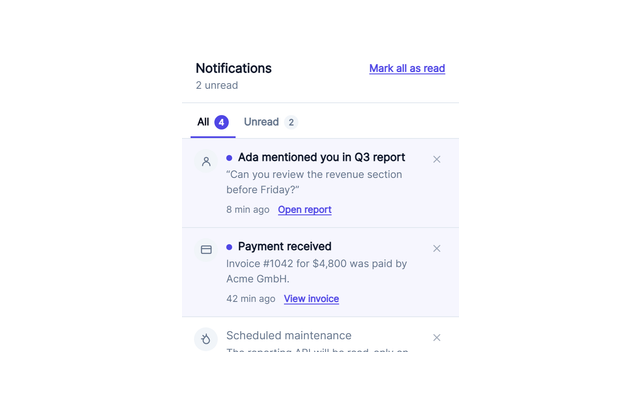
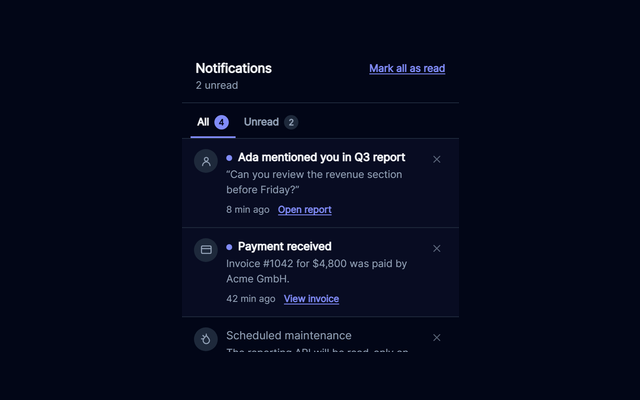
- A controlled inbox with read and dismiss actions.
NotificationCenter
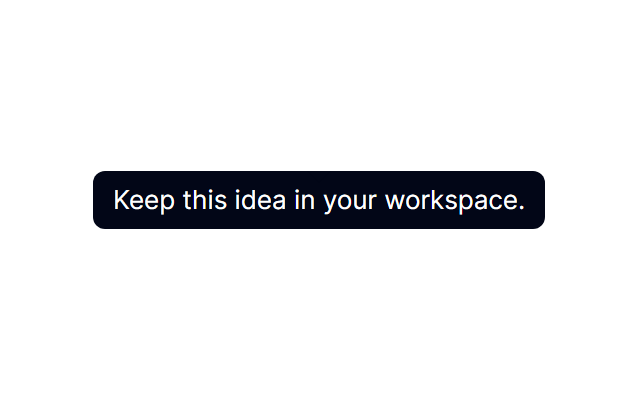
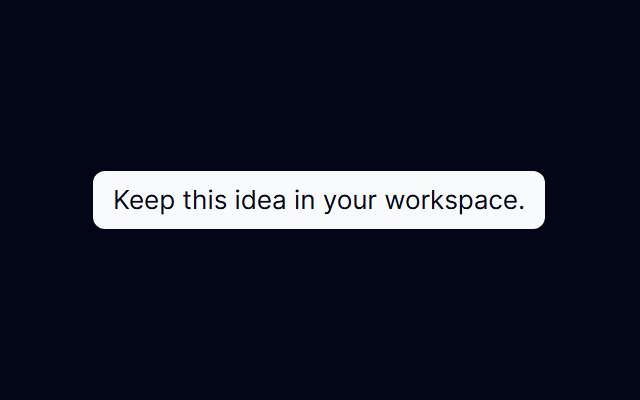
- Supplementary context on a focusable trigger.
Tooltip








Getting started
1 family
Every family includes a real example, source-derived API and integration notes. This coverage does not imply an exhaustive accessibility audit.